AI Image Generator FAQ: Your Questions Answered
Everything you need to know about creating stunning AI images with Nano Banana AI. From getting started to commercial use, prompts, and technical details—we've got you covered.
Try Free Generation →Getting Started
What is Nano Banana AI?
Nano Banana AI is an AI image generator that creates professional images from text descriptions or transforms your uploaded photos using AI. Powered by Google's Gemini 2.5 Flash, our platform delivers high-quality results typically in 2-5 seconds.
Get started with 1 free generation without signing up, then get 3 more credits after signup (no credit card required). Choose from our affordable pricing plans starting at $10/month for more credits.
- Text-to-image generation from prompts
- Image-to-image transformation
- 5 aspect ratios (1:1, 16:9, 4:3, 3:4, 9:16)
- 2-second generation speed
- Commercial license included
- No watermarks
How do I generate my first AI image?
Creating your first image takes less than 30 seconds:
Step 1: Start here (try 1 free generation, get 3 more after signup)
Step 2: Choose your mode:
- Text-to-Image: Create new images from descriptions
- Image-to-Image: Transform existing photos
Step 3: Enter your prompt
Example: "Professional product photo of wireless headphones, white background, studio lighting"
Step 4: Select aspect ratio (1:1 for Instagram, 16:9 for YouTube, 9:16 for Stories)
Step 5: Click "Generate Image"
Step 6: Download your image (PNG format, no watermarks)
💡 Tip: Check our Examples page for 20+ prompts you can copy and use.
Do I need to create an account?
No account required for your first generation! Try 1 free generation without signing up. After signup, you get 3 more credits (no credit card required).
- Get 3 additional free credits
- Track your usage and credits
- Save your generation history
- Manage your subscription and billing
Getting Started:
Try your first image free, then sign up in less than 1 minute to get 3 more credits with full features unlocked.
What are the pricing plans?
We offer flexible pricing plans to fit your needs:
| Plan | Price | Features |
|---|---|---|
| Free Trial | $0 | 1 free without signup + 3 after signup (4 total) |
| Starter | $10/mo | 100 images/month, all features |
| Pro | $25/mo | 400 images/month, priority queue |
| Enterprise | $50/mo | 1000 images/month, dedicated support |
Our promise: Transparent pricing, no hidden fees, cancel anytime. Visit our pricing page for details.
How does Nano Banana AI compare to competitors?
We offer competitive pricing and great value:
Nano Banana AI: $10/month (100 images) + 4 free generations (1 without signup + 3 after)
Midjourney: $10/month (Discord required, limited features)
DALL-E 3: Pay-per-credit pricing (typically $15-20/month)
Leonardo.ai: $12/month with token limits
Our advantages: Affordable pricing, simple subscription model, 4 free generations (1 without signup + 3 after), and commercial usage rights included in all plans.
See full alternatives comparison →Can I cancel my subscription anytime?
Yes, you can cancel anytime with no penalties.
How to Cancel: Simply visit your account settings and click "Cancel Subscription"
What Happens: You'll retain access until the end of your current billing period
Reactivation: You can reactivate your subscription anytime and pick up where you left off
No Lock-In: We believe in providing great value, not trapping customers. You're free to cancel at any time.
How do I write effective AI image prompts?
Writing great prompts is an art. Here's our proven SDCM Formula:
S - Subject: What's the main focus? (e.g., "Premium over-ear wireless headphones")
D - Description: Add details (material, condition, features)
C - Context: Where and how? (setting, lighting, composition)
M - Mood & Style: Artistic direction (minimalist, photorealistic, vintage)
❌ Weak: "headphones"
✅ Great: "Professional product photo of premium over-ear wireless headphones with metallic silver finish and black leather ear cups, placed on pure white background, soft studio lighting from 45-degree angle, minimal shadows, centered composition, high detail, Apple-style product photography, photorealistic"
Can I use Nano Banana AI on mobile devices?
Yes! Nano Banana AI is fully optimized for mobile devices.
- ✓ iPhone (iOS Safari, Chrome)
- ✓ Android (Chrome, Firefox, Samsung Internet)
- ✓ iPad and tablets
- ✓ Desktop (all modern browsers)
Mobile Workflow: Open browser → nano2image.com → Tap prompt field (voice-to-text supported) → Select ratio → Generate → Download → Share to Instagram/TikTok instantly
No app required: Web-based = always up-to-date, no storage needed.
What image formats can I upload for image-to-image?
- ✓ JPG / JPEG (most common)
- ✓ PNG (with transparency)
- ✓ WebP (modern format)
- ✓ GIF (static only, first frame used)
File Size Limits: Maximum 10MB per image, recommended 2-5MB for faster uploads
Image Dimensions: Minimum 512×512px, Maximum 4096×4096px, Recommended 1024×1024 to 2048×2048
Upload Tips: Higher quality input = better results. Use well-lit, clear photos.
How long does AI image generation take?
Average Generation Time: Typically 2-5 seconds
| Generator | Average Speed | vs. Nano Banana |
|---|---|---|
| Nano Banana AI | 2-5 sec | Baseline |
| DALL-E 3 | 10-20 sec | Slower |
| Leonardo.ai | 8-15 sec | Slower |
| Midjourney | 25-40 sec | Slower |
Real-World Impact: Generate 20+ variations in just a few minutes with our fast generation speed
Features & Capabilities
What's the difference between text-to-image and image-to-image?
Text-to-Image:
- Creates brand new images from text descriptions
- Input: Text prompt only
- Best for: Creating from scratch, brainstorming
Example: "Sunset over mountain lake, vibrant orange sky" → Completely new AI-generated landscape
Image-to-Image:
- Transforms your uploaded photo based on text instructions
- Input: Your photo + text prompt
- Best for: Editing, style transfer, variations
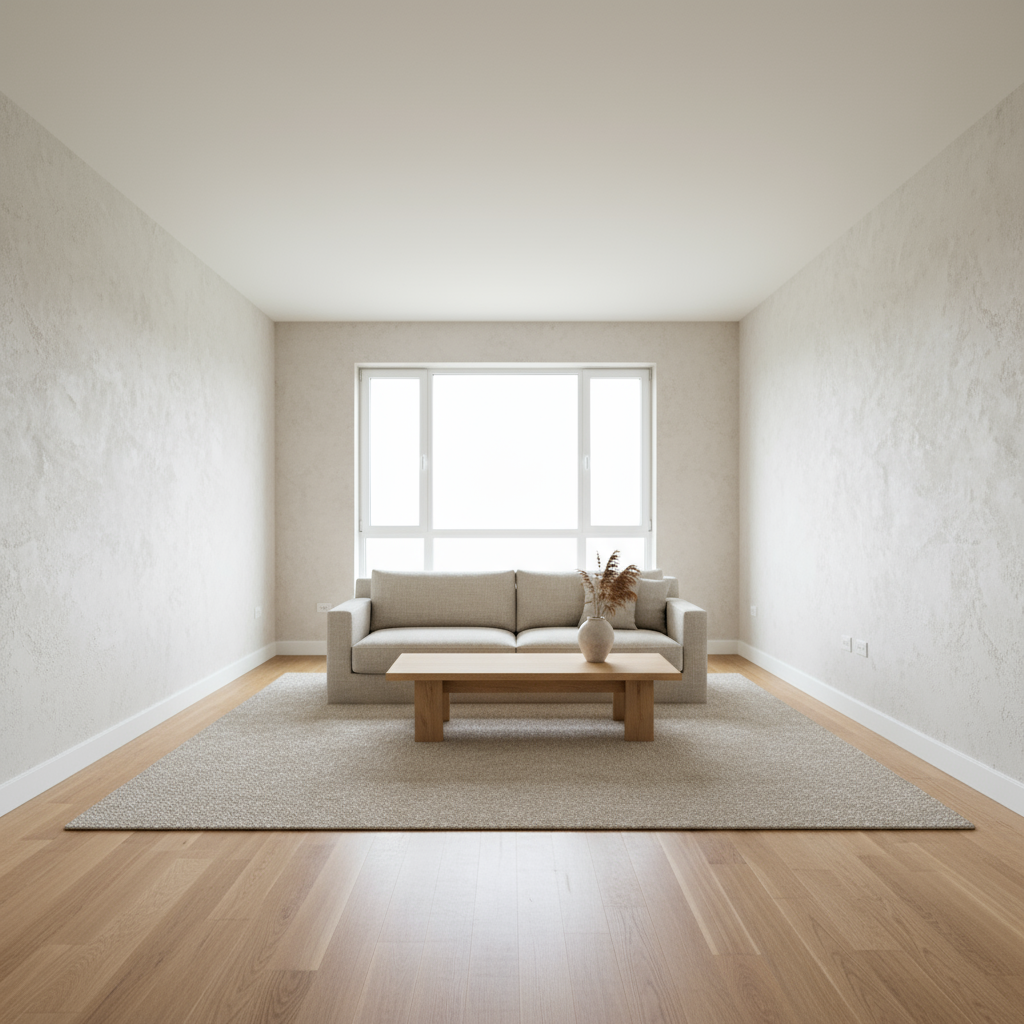
Example: [Your room photo] + "Japandi style, minimalist furniture" → Your room redesigned
What aspect ratios are available and which should I use?
5 Aspect Ratios Available:
1:1 (Square) - 1024×1024px: Instagram posts, Facebook, profile pictures
16:9 (Landscape) - 1920×1080px: YouTube thumbnails, website headers, presentations
4:3 (Traditional) - 1600×1200px: Classic photography, prints
3:4 (Portrait) - 1200×1600px: Pinterest pins, posters, flyers
9:16 (Vertical) - 1080×1920px: Instagram Stories, TikTok, Snapchat
Platform-Specific Recommendations:
- Instagram: Feed posts (1:1), Stories/Reels (9:16)
- YouTube: Thumbnails (16:9 required)
- Pinterest: Standard pins (3:4 ideal)
- TikTok / Reels: Videos (9:16 full-screen)
Can I edit or modify images after generation?
✓ What You Can Do:
- Regenerate with modified prompts
- Use image-to-image for variations
- Download and edit externally (Photoshop, Canva, Figma)
🔮 Roadmap (Coming Soon):
- Magic eraser for removing objects
- Background remover
- Color adjustment tools
- Text overlay
Current Workflow for Edits: Generate base image →Download PNG →Edit in Canva/Photoshop OR Upload back →use image-to-image
What AI model powers Nano Banana AI?
Google Gemini 2.5 Flash Image Generation
Why Gemini 2.5 Flash?
- Latest Technology: Released August 2025, Google's newest multimodal AI
- Superior Performance: 2-5 second generation, photorealistic outputs, 95%+ prompt understanding
- Advanced Capabilities: Natural language understanding, complex scene composition, multi-object handling
- Built-in Safety: Content filtering, safety guardrails, responsible AI practices
| Model | Provider | Strengths |
|---|---|---|
| Gemini 2.5 Flash | Speed, quality, natural language | |
| DALL-E 3 | OpenAI | High quality, text rendering |
| Midjourney V6 | Midjourney | Artistic quality |
| Stable Diffusion XL | Stability AI | Open-source, customizable |
What image quality and resolution can I expect?
Standard Outputs:
- Format: PNG (lossless)
- Resolution: Up to 2048×2048px
- Color Depth: 24-bit RGB
- File Size: 500KB - 3MB typical
✓Suitable For:
- Web graphics and blogs
- Social media posts
- Digital marketing
- Presentations
- Small prints (up to 8×10 inches at 300 DPI)
Quality Tips: Specify "high detail" or "8K quality" in prompt. Use "photorealistic" for realistic images. Regenerate if unsatisfied (free iterations).
Does Nano Banana AI work offline?
No—Internet connection required.
Why Online Only:
AI processing runs on Google's cloud servers, requires massive computational power (GPUs), not feasible on personal devices
✓Benefits of Cloud Processing:
- No powerful computer needed
- Works on any device (phone, tablet, laptop)
- Always uses latest AI model
- No software installation or storage space required
Data Usage: Total per image: ~2-8MB (text prompts < 1KB, image uploads 1-5MB, generated images 1-3MB)
Can I generate multiple images at once (batch processing)?
Current Status: Not yet available | Roadmap: Coming soon
Current Workflow:
Generate one image at a time. Fast 2-5 second generation allows quick iterations. Click "Generate" again for variations.
🔮 Planned Batch Features:
- Multi-Prompt Batch: Upload list of 10-100 prompts, generate all automatically, download as ZIP
- Variation Batch: Generate 4-10 variations of one prompt, see all options at once
- Aspect Ratio Batch: One prompt →all 5 ratios, platform-ready set instantly
What languages are supported for prompts?
Primary Language: English (Recommended)
Why English Works Best:
Gemini 2.5 Flash is optimized for English with the largest training dataset, providing most reliable and accurate results.
⚠️ Other Languages Supported (with varied results):
Spanish, French, German, Italian, Portuguese, Chinese (Simplified & Traditional), Japanese, Korean, Hindi, Arabic, Russian
Translation Recommendation: For best results: Write prompt in your language →Translate to English (Google Translate, DeepL) →Use English version in Nano Banana AI
Pricing & Usage
Are there any usage limits on the plans?
Usage limits vary by plan
Free Trial (4 generations total):
- ✓Generous usage for testing features
- ✓Full access to all capabilities
- ✓Perfect for evaluating the platform
Paid Plans ($5/mo and up):
- ✓Monthly credit allocations
- ✓Higher limits for Pro plans
- ✓Designed for real creative work
- ⚠️ Protections against abuse
What's Considered Abuse:
- ✗Automated bots or scripts
- ✗Generating thousands per hour
- ✗Reselling access to our service
Visit our pricing page for detailed plan limits and features.
Can I use Nano Banana AI for commercial projects?
Yes—Commercial use included in all plans.
✓Allowed Commercial Uses:
- Client Work & Freelancing: Create graphics for clients, agency projects and campaigns
- Social Media Marketing: Business social media posts, ad creatives and campaigns
- E-commerce & Retail: Product listings and photos, marketing materials
- Print on Demand: T-shirts, mugs, posters, stickers, phone cases
- Digital Products: Stock photos for sale, design templates, NFTs (with considerations)
- Business Materials: Presentations and pitches, website graphics, email marketing
- Publishing: Blog and article images, book covers, educational materials
✗Prohibited Uses:
Illegal content, harmful or offensive imagery, impersonation or fraud, trademark/copyright violations, adult/NSFW content
Ownership: You own the generated images with commercial rights included. No royalties or fees. Attribution not required but appreciated.
What's included in each pricing tier?
Flexible Plans for Every Need
Free Trial - 4 generations ($0):
- ✓Full access to all features
- ✓Text-to-image & image-to-image
- ✓All 5 aspect ratios
- ✓High-quality downloads
- ✓Commercial use rights
Basic Plan ($5/mo):
- ✓All trial features plus monthly credits
- ✓Priority support
- ✓Generation history
🔮 Future Premium Features:
- API access
- Batch generation (100+)
- Priority queue
- 4K/8K outputs
- Advanced editing tools
- Team collaboration
Visit our pricing page for complete plan comparison.
Do you offer refunds?
Yes—We have a clear refund policy.
Our Refund Policy:
- 4 free generations (1 without signup + 3 after) let you test before committing
- Cancel subscription anytime from your dashboard
- No lock-in contracts or hidden fees
Contact support@nano2image.com for refund requests.
Can I upgrade or downgrade my plan anytime?
Yes—Instant plan changes with no penalties.
How Plan Changes Work:
- Upgrades: Take effect immediately, pro-rated billing for current period
- Downgrades: Take effect at next billing cycle, no interruption to service
- No Penalties: Change as often as needed without fees
Manage your subscription anytime from your account settings dashboard.
Do you offer team or enterprise plans?
Coming Soon! We're developing enterprise solutions for teams and businesses.
Planned Enterprise Features:
- API Access: Direct integration into your workflows
- Team Collaboration: Shared workspace, brand kits, approval workflows
- White-Label: Rebrand our technology for your clients
- Volume Pricing: Custom rates for high-volume usage (500+ images/day)
- Priority Support: Dedicated account manager, SLA guarantees
- Custom Training: Fine-tune models on your brand assets
If you need 500+ images/day, contact us about enterprise access.
Technical & Quality
What browsers are supported?
All modern browsers supported!
✓Recommended Browsers:
- Chrome/Chromium: Version 90+ (Best performance)
- Firefox: Version 88+
- Safari: Version 14+ (macOS, iOS)
- Edge: Version 90+
- Opera: Version 76+
Mobile Browsers:
- iOS Safari, Chrome
- Android Chrome, Firefox, Samsung Internet
Not Supported: Internet Explorer (any version). Please upgrade to a modern browser for the best experience.
How do you ensure image quality and avoid AI artifacts?
Our Quality Assurance Approach:
- 1. Advanced AI Model: Gemini 2.5 Flash trained on billions of high-quality images
- 2. Prompt Optimization: Our system auto-enhances prompts for better results
- 3. Quality Thresholds: Failed generations retry automatically
- 4. Safety Filters: NSFW and harmful content blocked
Tips to Minimize Artifacts:
- Be specific in prompts (avoid vague descriptions)
- Add "high detail," "sharp focus" to prompts
- Use "photorealistic" for realistic images
- Regenerate if unsatisfied (within your plan limits)
- Check our Examples page for proven prompt templates
Can I save my generated images to my account?
Currently: No account system, so no cloud storage.
Current Workflow:
- Generate image →Download immediately to your device
- Images are not saved on our servers long-term
- Organize downloads in your local folders/cloud (Google Drive, Dropbox)
🔮 Planned Features (Coming Soon):
- Optional account creation for cloud history
- Gallery view of past generations
- Favorite/bookmark best results
- Search and filter saved images
What happens to my uploaded images? Are they stored?
Privacy First: Minimal data retention
Image Processing Flow:
- You upload image →Sent to AI processing server
- AI generates result →Both images held temporarily in memory
- You download result →Images deleted from server within 1 hour
Data Retention Policy:
- Uploads: Deleted within 1 hour after generation
- Generated Images: Temporary cache only, deleted within 1 hour
- Prompts: Anonymous analytics (no personal data tied)
- No Long-Term Storage: We don't build a database of your images
See our Privacy Policy for complete details.
Is my data secure? Do you use HTTPS?
Yes—Enterprise-grade security
Security Measures:
- ✓HTTPS Encryption: All data in transit encrypted with TLS 1.3
- ✓Cloudflare Protection: DDoS mitigation, firewall, threat detection
- ✓Secure API Gateway: APICore.ai certified infrastructure
- ✓No Data Leaks: Isolated processing, no cross-user access
- ✓Regular Audits: Security reviews and updates
What We DON'T Do: Store passwords (no accounts), sell your data, track across websites, share with third parties
Commercial Use & Legal
Who owns the copyright to generated images?
You own the rights to images you generate.
Ownership Details:
- You Own: Full commercial rights to your generated images
- You Can: Sell, license, modify, distribute, use commercially without attribution
- Nano Banana Retains: No ownership claims on your generations
⚠️ Important Legal Notes:
- AI-Generated Content: Some jurisdictions have unclear copyright law for AI art
- Unique Outputs: Each generation is unique, but similar prompts may produce similar results
- No Trademark Infringement: Don't generate images of trademarked characters/logos
- Your Responsibility: Ensure your use complies with local laws
See full Terms of Service for legal details.
Can I trademark or copyright AI-generated images?
Complex Topic—Varies by Jurisdiction
Current Legal Landscape:
- 🇺🇸 USA: Copyright Office requires "human authorship." Pure AI art may not be copyrightable. However, if you significantly modify/edit, you may gain copyright on the derivative work.
- 🇪🇺 EU: Similar stance—copyright requires human creative input
- 🇬🇧 UK: More lenient—may recognize "computer-generated works"
Practical Recommendations:
- Edit/modify AI outputs to add human creativity (increases copyright eligibility)
- Use AI as a tool, not sole creator (e.g., AI mockup →Photoshop edits →final design)
- Consult IP lawyer for high-value commercial projects
- Trademark protection: You CAN trademark logos/brands that include AI elements (trademark protects brand identity, not just art)
Disclaimer: Not legal advice. Consult an IP attorney for specific guidance.
Are there content restrictions or prohibited uses?
Yes—We prohibit harmful, illegal, and unethical content.
✗Prohibited Content:
- Illegal Content: Child exploitation, terrorism, illegal drugs, weapons trafficking
- Violence & Harm: Graphic violence, self-harm promotion, animal abuse
- Hate & Harassment: Hate speech, discrimination, bullying
- Adult Content: NSFW, sexually explicit imagery
- Deceptive Use: Deep fakes for fraud, impersonation, misinformation
- IP Violations: Copyrighted characters, trademarked logos without permission
- Spam & Abuse: Mass generation for spam, automated bots
✓Allowed Uses:
- All commercial and personal creative projects (within ethical bounds)
- Educational, artistic, and research purposes
- Marketing, advertising, e-commerce
- Entertainment and media production
Enforcement: AI safety filters block prohibited prompts. Repeated violations may result in IP blocking.
What is your DMCA and content takedown policy?
We respect intellectual property rights.
If You Believe Your Copyright Was Infringed:
- Contact us at legal@nano2image.com with DMCA notice
- Include: Your contact info, description of copyrighted work, URL/screenshot of alleged infringement, good faith statement
- We'll review within 48 hours
- If valid, we'll remove content and may block similar prompts
⚠️ Important Notes:
- No Permanent Storage: Generated images are deleted within 1 hour, so infringement window is minimal
- AI Training: Our AI (Google Gemini) is trained by Google. We don't control training data.
- Style vs. Copyright: Artistic styles generally aren't copyrightable, specific characters/works are
Full DMCA policy available in our Terms of Service.
Explore Specific Use Cases
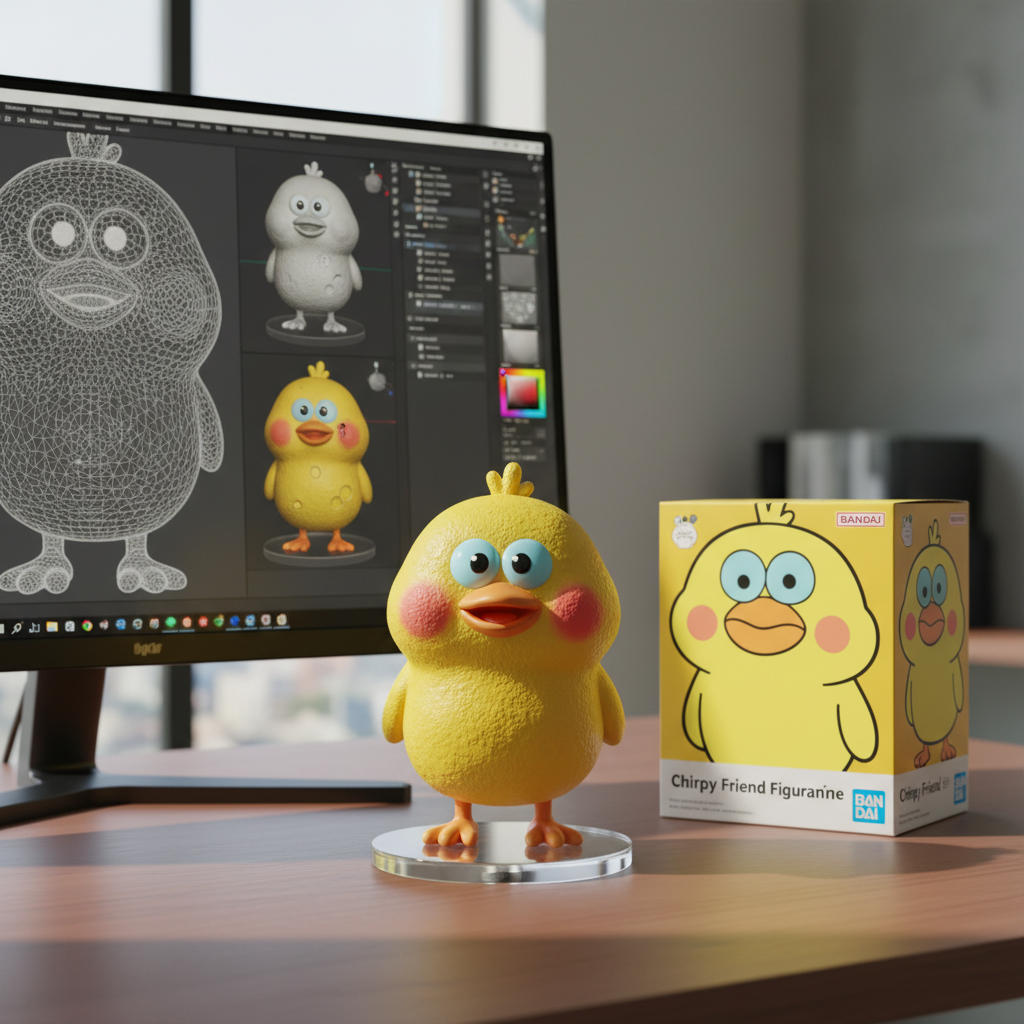
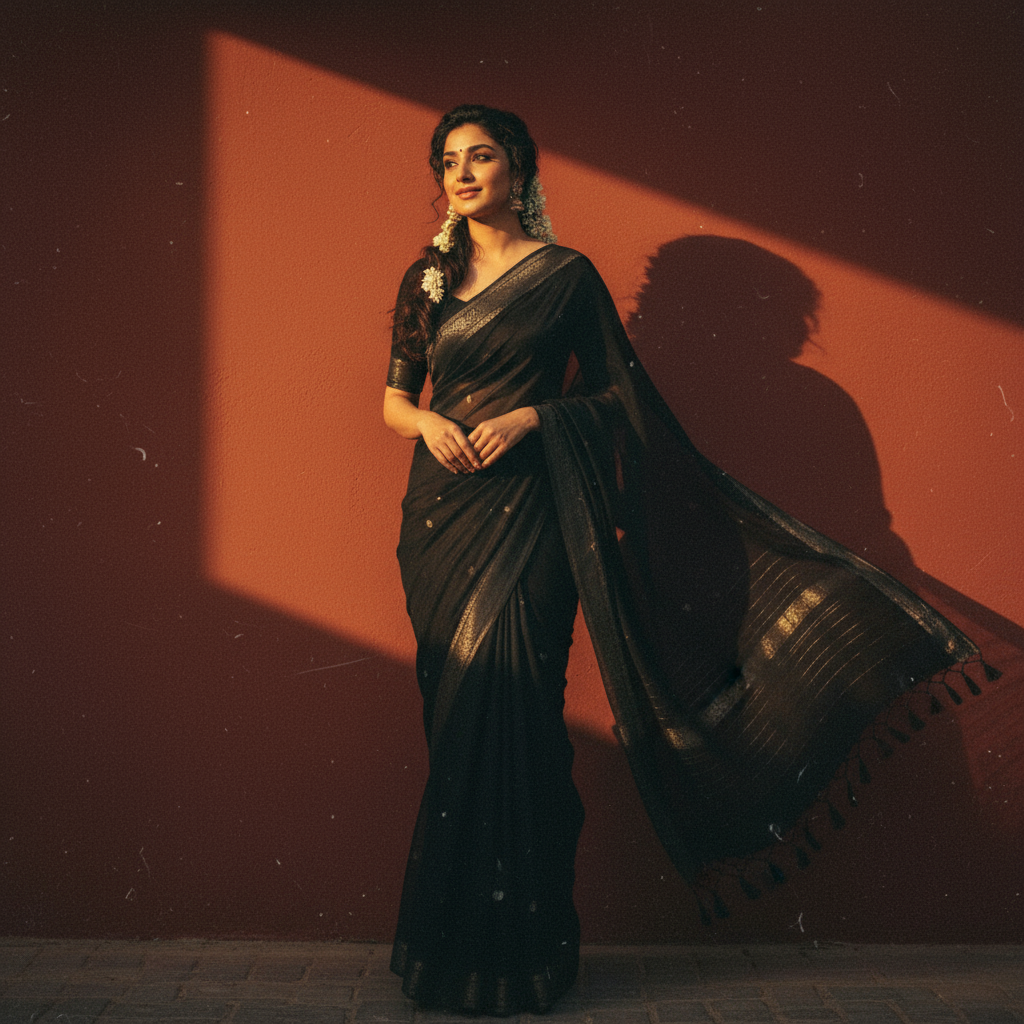
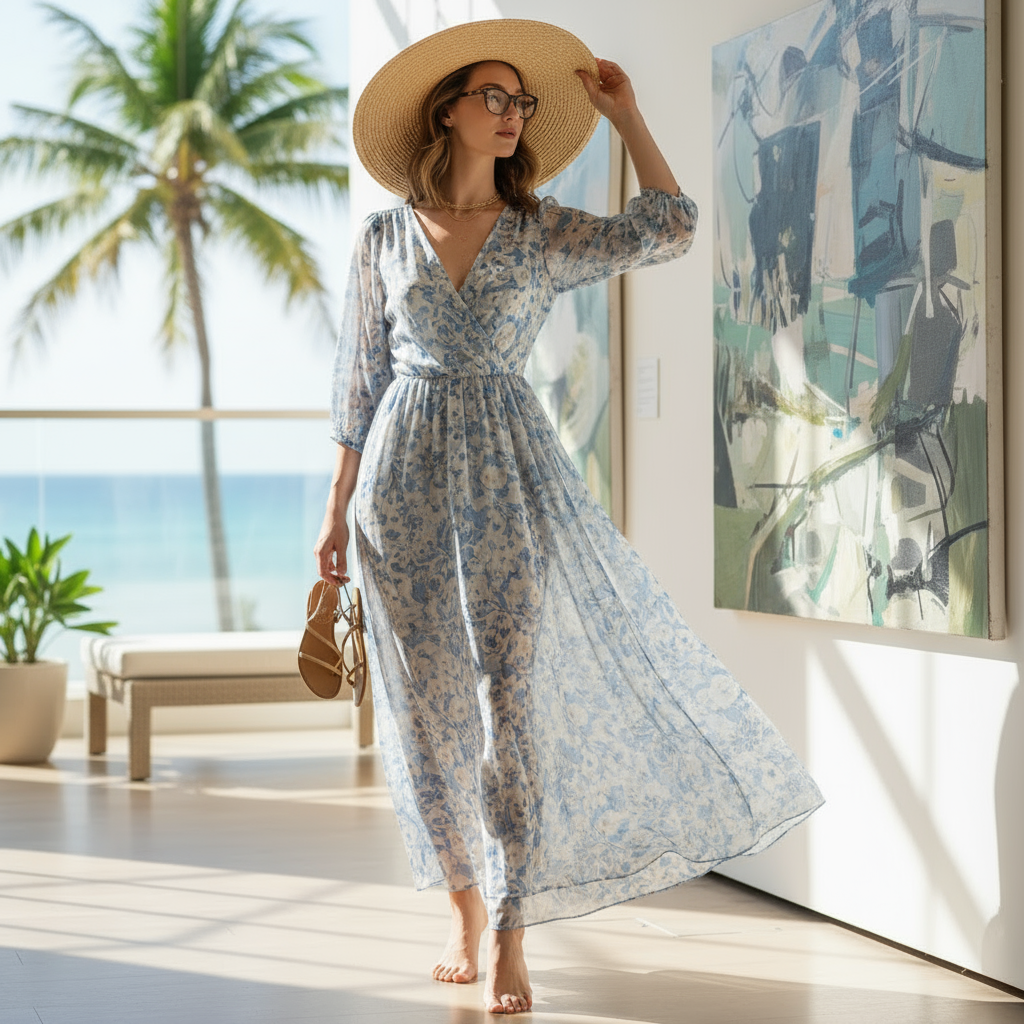
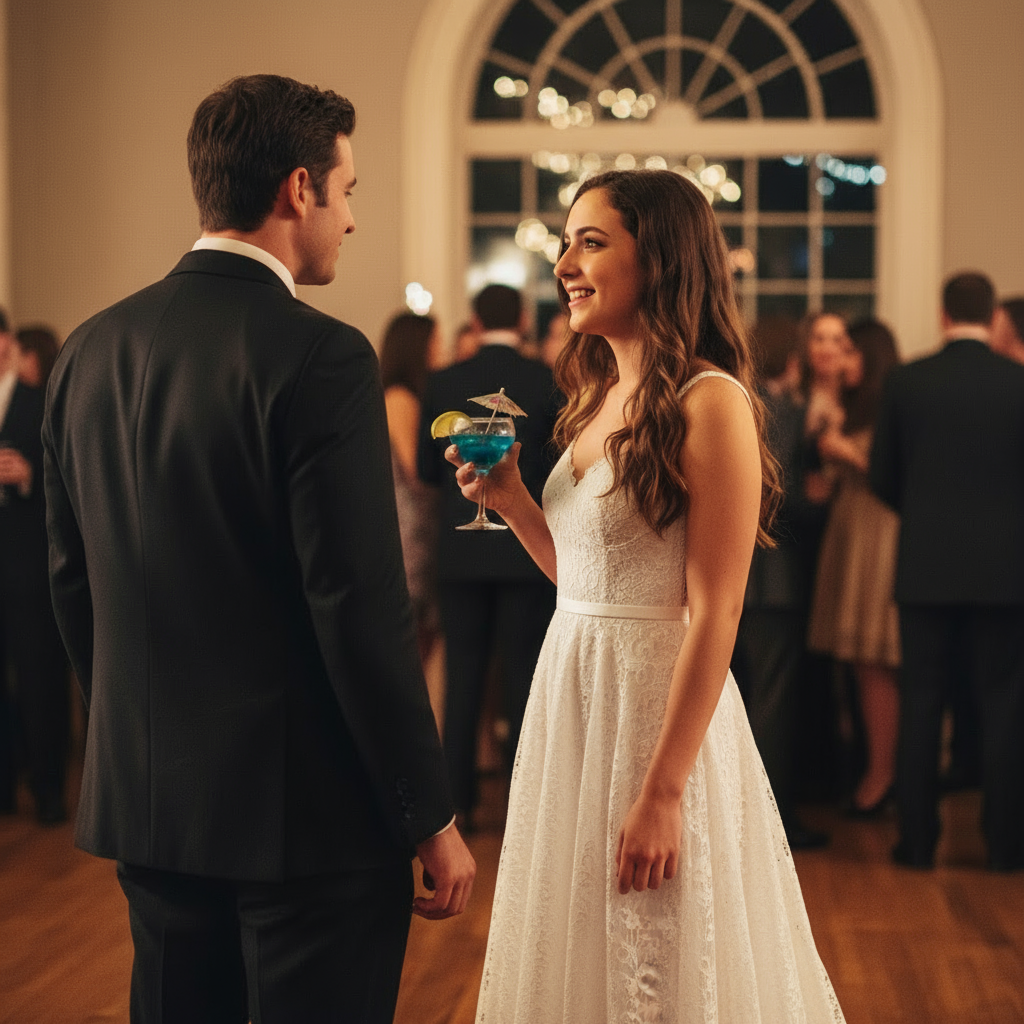
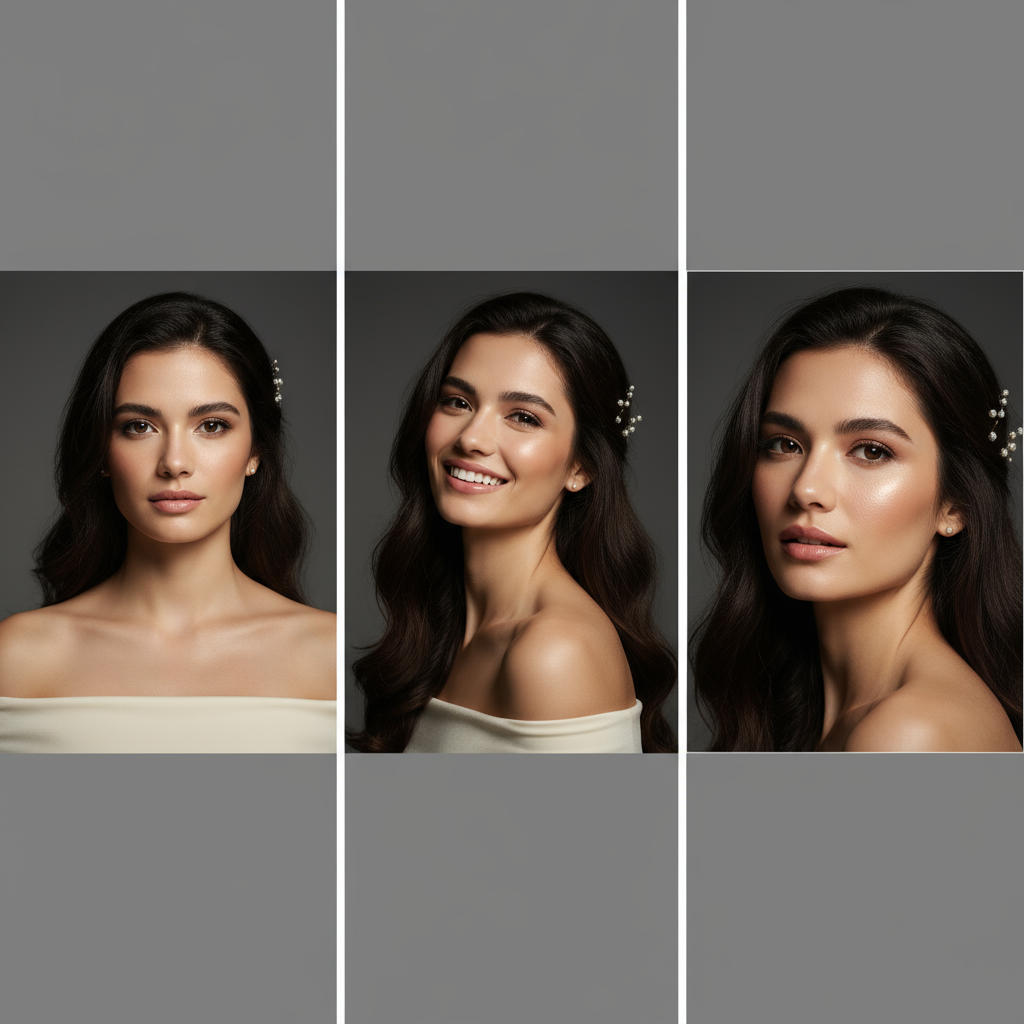
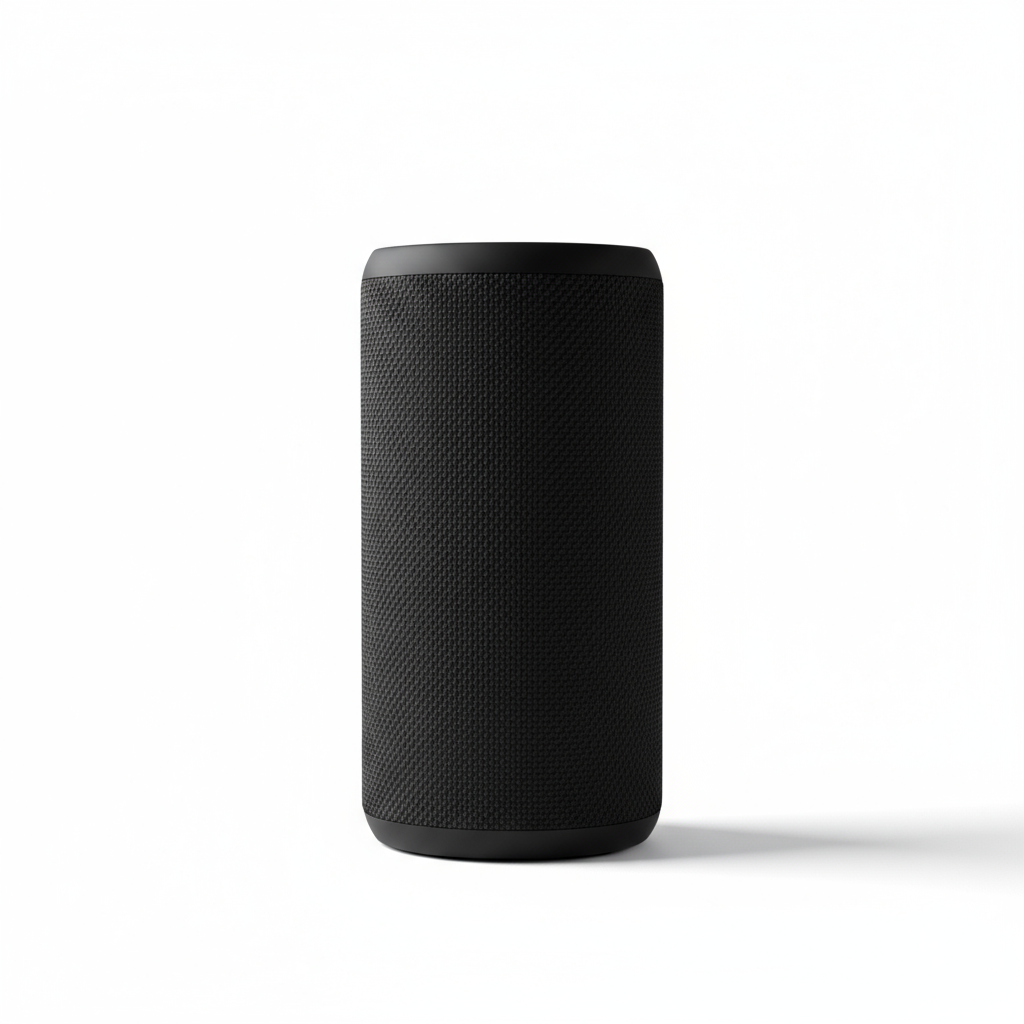
Dive into detailed guides for specific image generation scenarios. Each use case includes prompts, examples, and pro tips.
Still Have Questions?
Explore live examples at /examples, deep-dive features at /features, or jump straight into creation!
Try Free Generation