3D Figurine Portrait: Turn Your Selfie into Viral Toy-Style Art
Nano Banana AI transforms your selfie into stunning 3D toy-style figurine portraits. Create viral social media content, unique avatars, and collectible-style art with one click — no 3D modeling skills required.
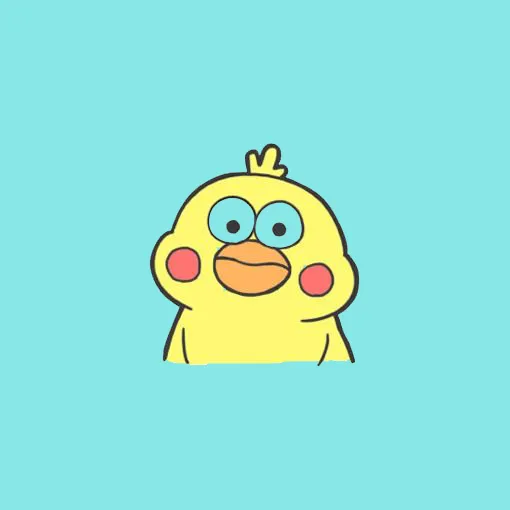
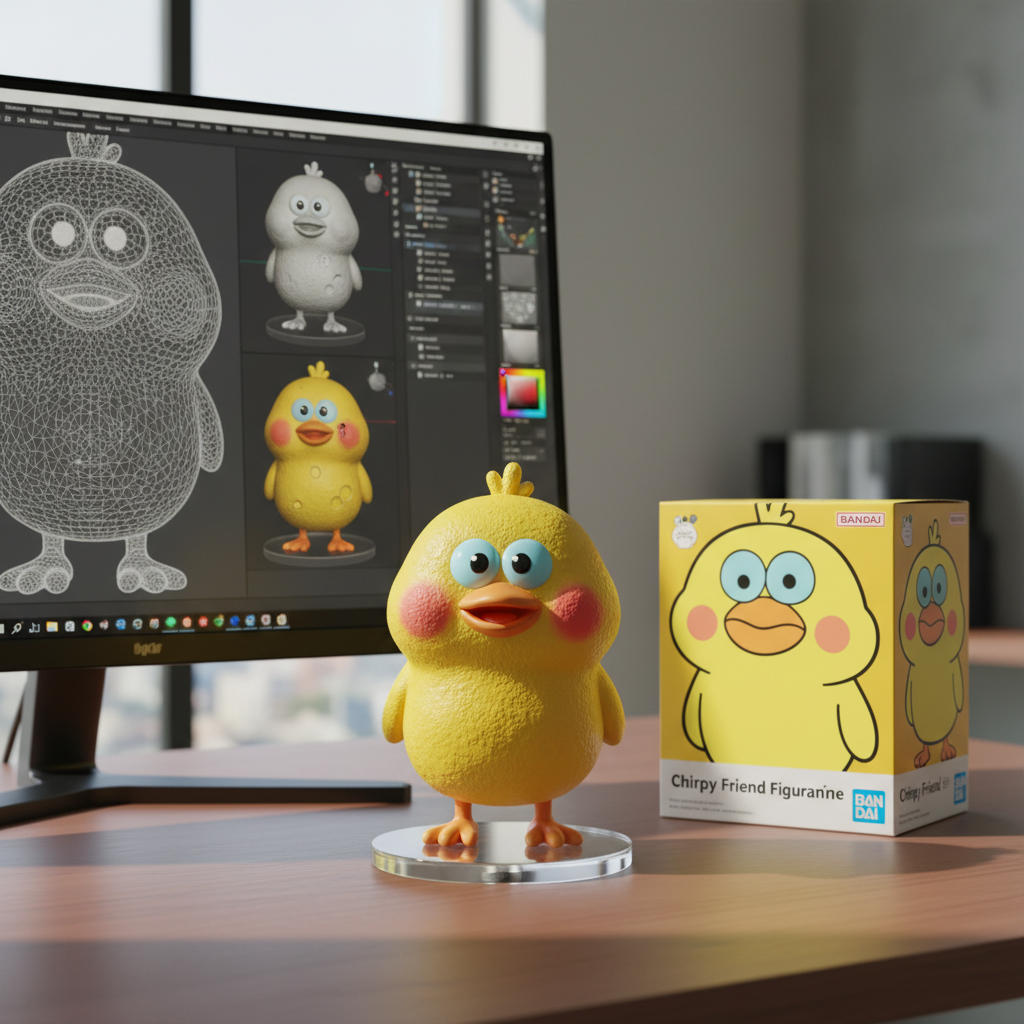
Generated in 5 seconds
Create Viral 3D Figurines in 4 Steps
Follow this proven workflow to transform selfies into stunning 3D figurine portraits that dominate social media.
Upload Selfie Photos
Upload 1-3 clear, well-lit selfies from front or 3/4 angle. Multiple angles help preserve identity. 1024px+ recommended.
Choose Figurine Style
Select from realistic, anime, chibi, or collectible styles. Our AI transforms your photo into a stunning 3D figurine.
Download & Share
Get viral-ready images in 1:1 for avatars or 4:5 for Instagram. Perfect for social media, gifts, and collectibles.
Generate Variations
Create 6-10 variations in one batch. Compare glossy finishes and lighting to find the most viral-worthy look.
Pro Tip: Use neutral backgrounds in source photos for cleaner figurine extraction and more viral-worthy results.
How to Create 3D Figurine Portraits
Transform your selfies into viral toy-style figurine art in 4 simple steps
Upload Your Selfie
Upload 1-3 clear selfies from different angles. Front-facing or 3/4 view works best for identity preservation.
Select Figurine Style
Choose from realistic, anime, chibi, or collectible figurine styles. AI understands glossy finish, studio lighting, and base design.
AI Creates 3D Portrait
Our AI generates toy-style figurine portraits with glossy highlights, matte clothing textures, and professional studio lighting in seconds.
Download & Share
Get your high-resolution 3D figurine portrait ready for social media, avatars, profile pictures, or unique gift designs.
Export Sizes Guide
Pick the right dimensions for your platform. All 3D figurine portraits export at high resolution for professional use.
Instagram Feed
1080×1080
Avatars, posts, grid
Instagram Stories
1080×1920
Full-screen stories, Reels
Instagram Posts
1080×1350
Feed posts, carousels
Twitter/X Profile
400×400 or 1080×1080
Profile pictures, avatars
Facebook Cover
1200×630
Cover photos, headers
Print & Gifts
1920×2400
Posters, merchandise
Pro Tip: Format Selection for 3D Portraits
- PNG – Use for maximum detail preservation in glossy highlights and textures
- JPG – Use for social media posting (85-95% quality recommended for vibrant colors)
- Square 1:1 – Best for avatars and profile pictures across all platforms
3D Figurine Examples & Prompt Templates
Explore real-world use cases with copy-paste prompt templates. From realistic collectibles to viral social avatars — see how AI creates toy-style figurine art.
Professional Workspace Edition
Create a 1/7-scale collectible figurine styled in professional attire with detailed workspace setup, including miniature laptop accessory, desk environment, and premium packaging with editorial illustrations.
Based on the uploaded photo, create a 1/7-scale collectible of the subject as a (your profession): smart casual blazer over tee, press lanyard, tiny laptop accessory. Place on a round clear acrylic base (no text) on an office desk with a keyboard and notes. The computer screen shows the modelling process (viewport with wireframe and material slots, render preview window). Collector box to the side carries flat 2D editorial illustrations and a clean, premium layout printed on high-quality cardboard. Lighting: neutral daylight + soft desk lamp; camera 50mm, f/2.0, crisp detail in fabric weave and printed lanyard text (legible at close crop). Photoreal, editorial product shot.
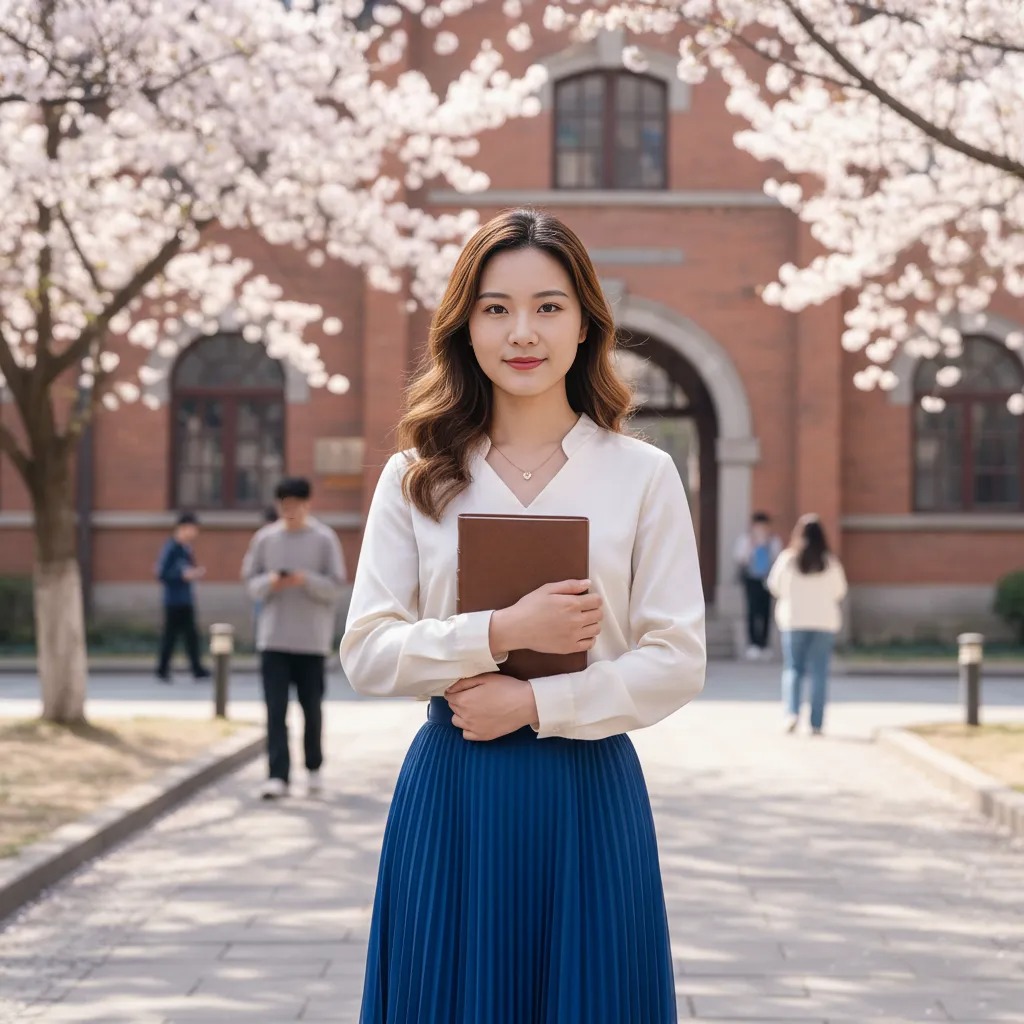
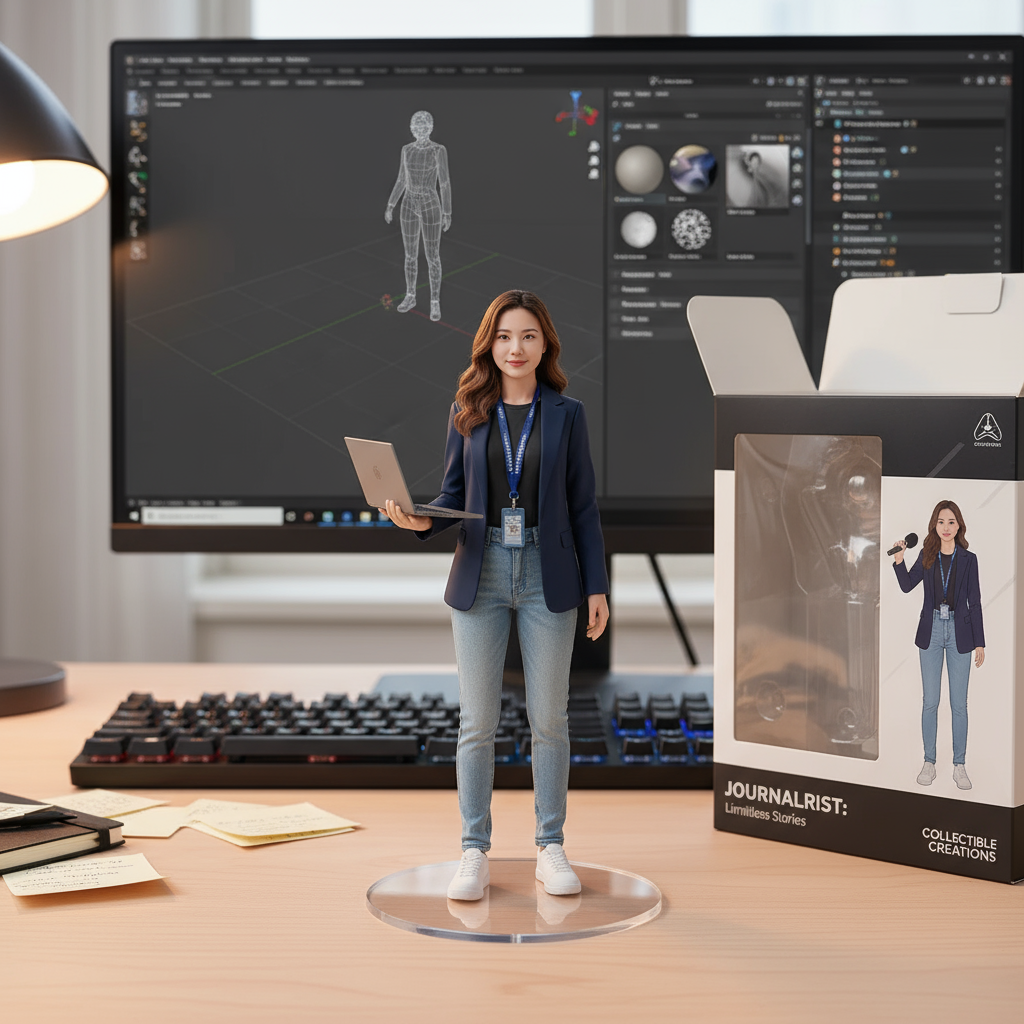
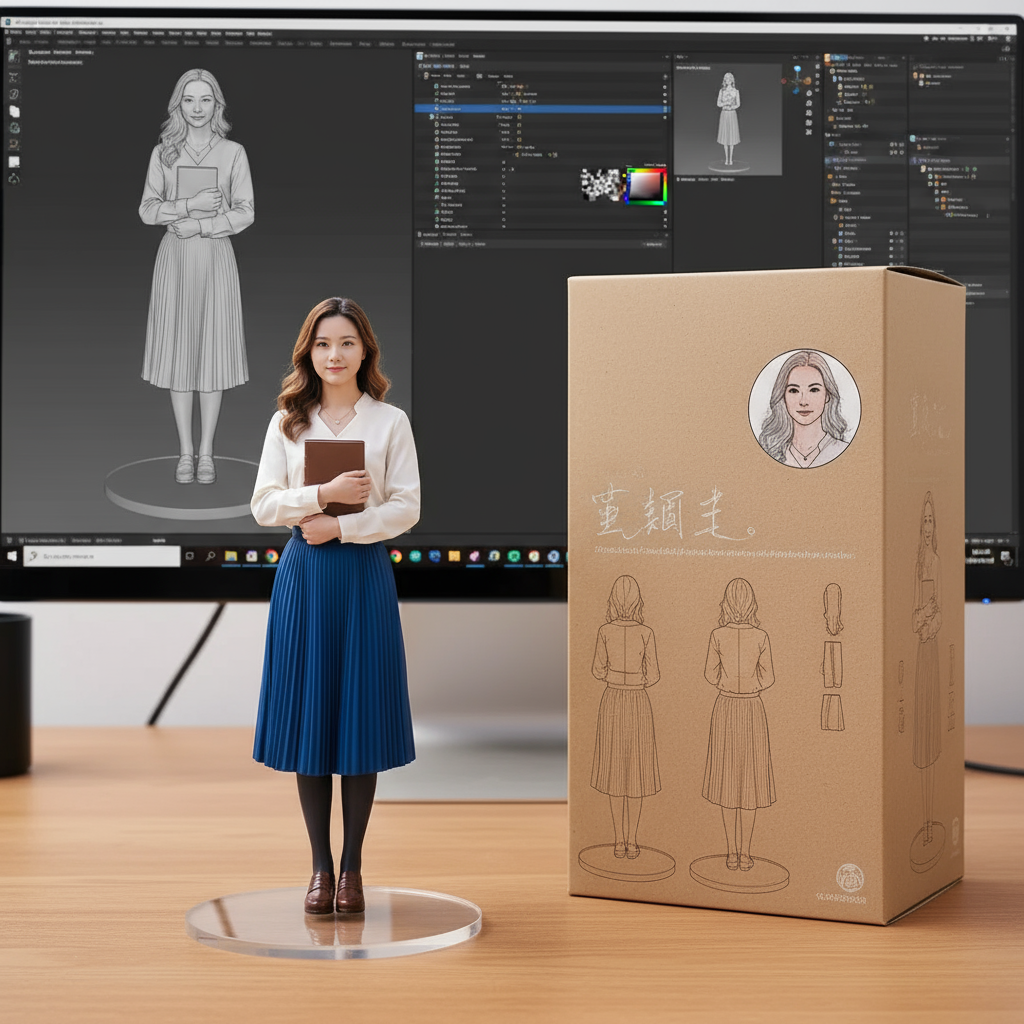
Deluxe Painted Edition
Limited-edition figurine featuring artisan paint techniques with metallic flakes, hand-painted details, and premium packaging. Includes behind-the-scenes 3D modeling process display on screen.
Use the supplied photo for exact facial likeness. Create a 1/7-scale limited-edition painted figurine with a specially curated paint job — subtle metallic flakes in jacket paint, hand-painted shading on face — fixed pose on a clear round acrylic base (no text). Arrange the figure on a real desk; the monitor shows the 3D modelling process (high-poly sculpt, texture paint layers, and a clay preview). Next to the monitor, a deluxe collector box features flat 2D hand-drawn illustrations (orthographic views and a small painted portrait spot) printed on textured board with visible emboss/spot varnish effects. Lighting: refined studio key + back rim, camera 85mm crop to 16:9, f/2.8 for buttery bokeh, emphasise paint texture and artisan finish. Photoreal, commercial catalogue quality.
Modern Streetwear Edition
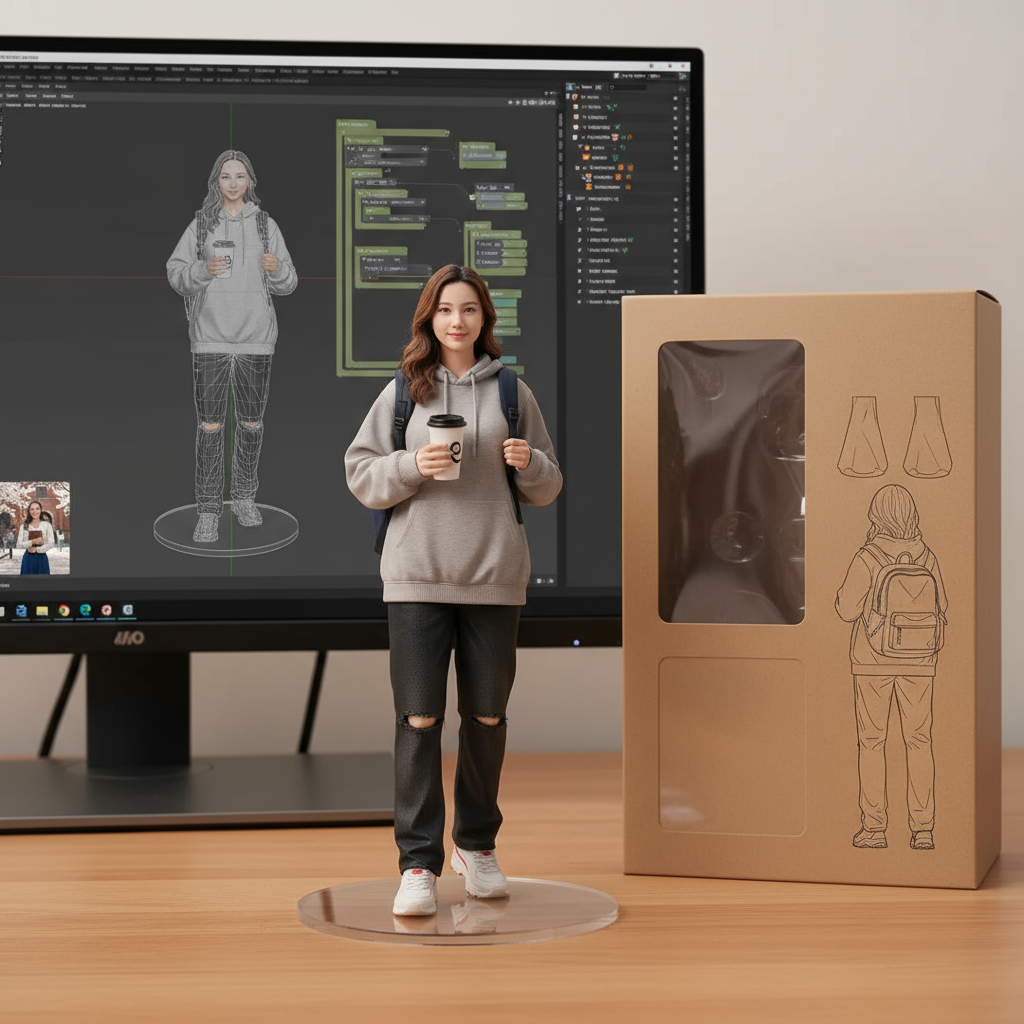
Contemporary collectible featuring modern streetwear style with backpack and coffee cup accessories. Includes 3D modeling workflow visualization and premium packaging with orthographic technical illustrations.
Use the supplied photo as the main reference for face, hair and posture. Create a 1/7-scale fixed-pose collectible figurine of the subject in modern streetwear, wearing a backpack and holding a coffee cup, standing on a round transparent acrylic base (no text, no logos). Place the figurine on a real wooden computer desk. On the left, a widescreen monitor shows the 3D modeling of this figurine: wireframe viewport, material/shader node editor, object hierarchy and a small thumbnail of the reference photo. On the right, a premium toy box stands upright, with flat 2D orthographic front/side/back line-art illustrations, matte cardboard texture and spot varnish on the photo panel. Lighting: warm desk-lamp key, soft overhead fill, subtle rim light. Camera: 35mm full-frame, f/2.0, shallow depth of field; figurine tack-sharp, background softly blurred. Photoreal, true skin tones, fabric micro-detail, realistic PVC/resin paint finish. No watermarks.
Ready to create your own 3D figurine portrait?
Prompt Template Library
Copy-paste ready prompts for stunning 3D figurine portraits. Start with beginner templates or dive into advanced collector-quality styles.
Simple Workspace Figurine
Professional Profile
Create a 1/7-scale collectible figurine in smart casual attire standing on a clear round acrylic base. Place on a simple desk setup with minimal accessories. Clean lighting with soft shadows. Maintain facial features and professional appearance. Simple white or neutral background.
text, watermark, distortion, extra limbs, blur, deformed, cluttered background
Basic Collectible Style
Personal Collection
Transform into 1/7-scale painted figurine with clean paint application on clear acrylic base. Professional studio lighting highlighting form and details. Simple pose, well-defined features. Clean background. Realistic PVC/resin finish.
realistic photo, dark, gloomy, text overlay, artifacts, lowres, cheap plastic look
Modern Casual Edition
Social Media Avatars
Create simple 1/7-scale figurine in casual modern clothing on transparent acrylic base. Clean desk environment with basic setup. Soft lighting with shallow depth of field. Maintain identity and natural skin tones. Simple composition.
text, extra hands, distortion, nsfw, lowres, blurry, harsh lighting
How to use: Copy the positive prompt to describe your desired 3D figurine style, then copy the negative prompt to avoid common issues. For advanced templates, adjust lighting descriptions and material details to match your vision. The more specific your prompt, the better the results.
Pro Tips & Best Practices
Get better 3D figurine results faster with these proven recommendations
Do This
- Use clean, well-lit selfies
Front or 3/4 angle works best. Neutral backgrounds help AI focus on facial features.
- Specify texture finishes
Mention "glossy hair, matte skin, shiny accessories" for realistic toy-style rendering.
- Add studio lighting cues
Include "studio lighting, soft shadows, rim lights" for professional figurine look.
- Generate 6-10 variations
Create multiple versions to find the perfect pose, lighting, and finish combination.
- Keep identity preservation on
Enable "Keep identity" mode to maintain recognizable facial features in the figurine.
Avoid This
- Dark or shadowy photos
Low-light selfies produce muddy figurine colors. Use well-lit photos for vibrant results.
- Extreme angles or poses
Side profiles and unusual poses can distort figurine proportions. Stick to front/3/4 view.
- Forgetting background specification
Without "clean white background" in prompt, results may have distracting elements.
- Using realistic portrait prompts
Avoid words like "photorealistic" — you want toy-style, not realistic human features.
- Expecting perfect first try
Figurine generation is iterative. Try 3-5 prompts with slight variations for best results.
Quick Troubleshooting
Problem: Face doesn't look like me
Fix: Upload 2-3 clear photos from different angles. Add "maintain exact facial features, keep original identity" to prompt.
Problem: Figurine looks too realistic
Fix: Add "toy-style, plastic figurine, collectible" and remove any "photorealistic" keywords from prompt.
Problem: Colors are dull or muddy
Fix: Specify "vibrant colors, glossy finish, studio lighting" and use "flat colors, dull, desaturated" in negative prompt.
Problem: Background is messy
Fix: Always include "clean white background" or "simple gradient background" in your positive prompt.
Problem: Proportions look wrong
Fix: Specify scale (1/7 or 1/8) and mention "proper toy figurine proportions" for consistent results.
Problem: Too much or too little glossiness
Fix: Separately specify finishes: "glossy hair and eyes, matte skin, semi-gloss clothing" for balanced look.
Remember: 3D figurine generation works best with clear selfies and specific texture/lighting instructions. Test multiple prompt variations to find your signature style.
Frequently Asked Questions
Everything you need to know about 3D figurine portrait generation
Upload 2-3 clear photos from different angles (front and 3/4 view work best). In your prompt, include 'maintain exact facial features, keep original identity' and enable the 'Keep identity' mode if available. Avoid heavy makeup, sunglasses, or busy backgrounds in source photos for best results.
Realistic figurines aim for detailed, collector-quality features with proper proportions and subtle paint gradients. Anime-style figurines use chibi proportions (oversized head, small body), large expressive eyes, and vibrant colors. Choose your style based on your target platform — realistic for collectors, anime for viral social media content.
Yes! Use our 'Boxed Product Display' prompt template to generate figurines that appear packaged in collector's boxes with clear windows. This is perfect for merchandise mockups, product visualization, or creating realistic collectible presentations without physical production.
For social media (Instagram, Twitter), use JPG format at 85-95% quality for vibrant colors and smaller file sizes. Export square 1:1 (1080×1080) for avatars or vertical 4:5 (1080×1350) for posts. For printing on merchandise or posters, use PNG format at maximum resolution with portrait 4:5 ratio (1920×2400) to preserve all glossy highlight details.
Yes! All 3D figurine portraits generated with Nano Banana AI can be used commercially for merchandise designs, social media content, print-on-demand products, and personal gifts. You retain full rights to your outputs. If using recognizable people's faces, ensure you have their consent for commercial use.
Still have questions? Try it yourself and see the magic!
Related AI Tools
Discover more powerful AI tools to transform your images
AI Virtual Try-On
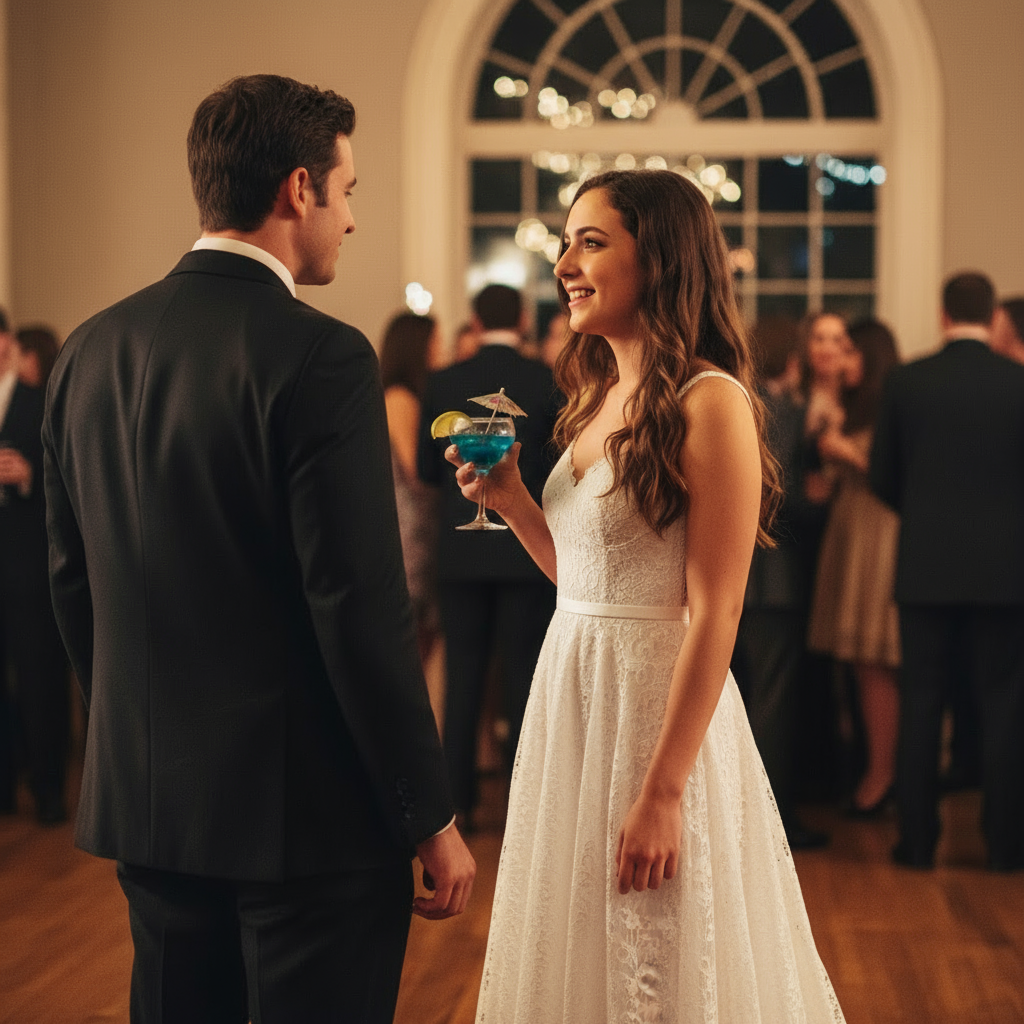
Try on clothes virtually with realistic AI fitting and lighting. Perfect for fashion visualization and style planning.
Vintage Portrait Generator
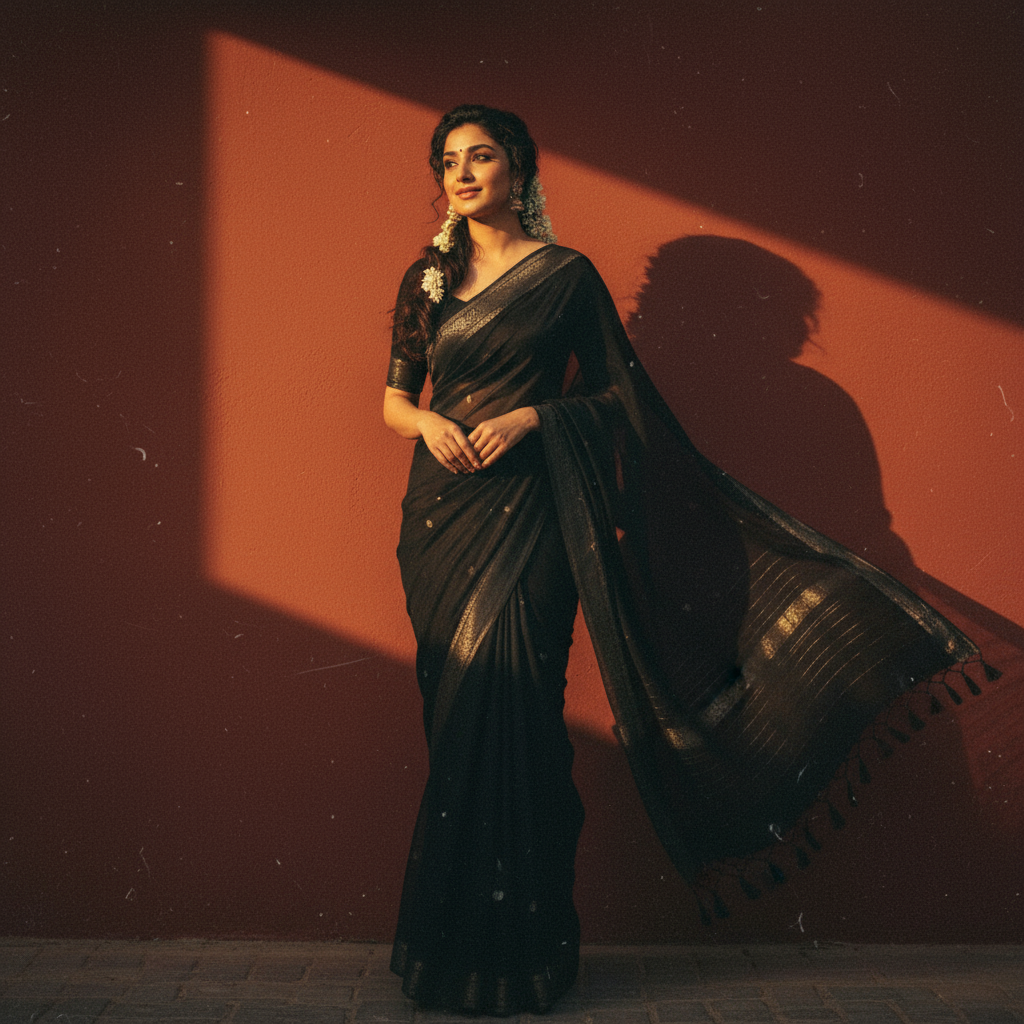
Transform photos into stunning retro-style portraits with authentic film aesthetics and dramatic lighting effects.
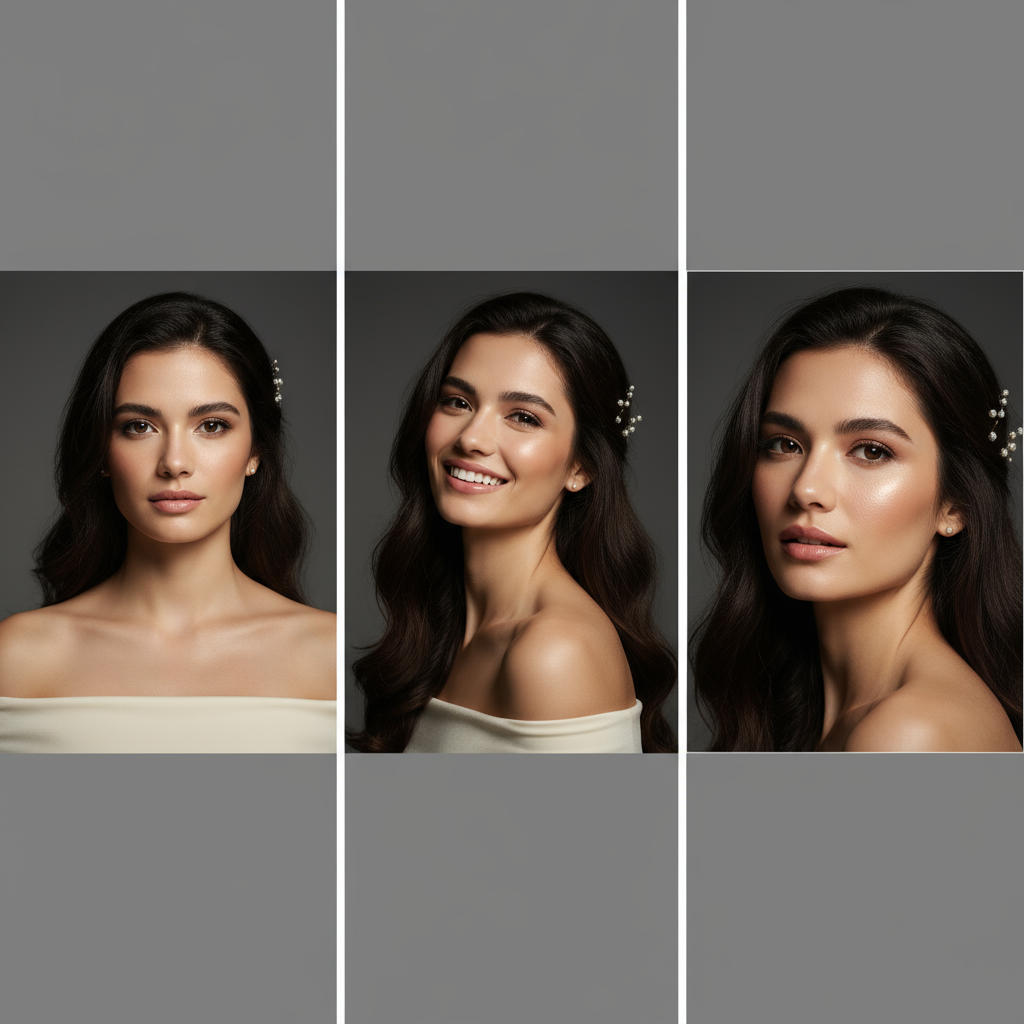
Professional Headshot Generator
Generate multiple professional headshots with subtle variations in pose and expression for LinkedIn and business profiles.
More Trending AI Prompts
Copy these proven prompts to try other viral AI styles. Each one is optimized for great results.
Transform into Studio Ghibli anime style. Soft watercolor aesthetic, warm lighting, whimsical atmosphere, hand-painted look, lush nature background, dreamlike nostalgic mood, Miyazaki-inspired, 4K detail.
Transform into a 1990s high school yearbook photo. Classic blue-gray studio backdrop, soft diffused lighting, vintage film grain, 90s hairstyle, warm nostalgic tones, authentic school photo aesthetic.
Transform this pet into a realistic human person. Keep the same pose and expression. Match eye color and fur pattern to hair color/style. Preserve the personality visible in the photo, photorealistic style.
Professional headshot, soft studio lighting, neutral background, keep the same person, natural skin texture, no text.
Related Nano Banana guides
Browse all Nano Banana pagesLearn More About Nano Banana AI
Explore our complete platform features, get inspired by examples, or find answers to common questions
Ready to Create Your Viral 3D Figurine Portrait?
Turn your selfies into stunning toy-style figurine art with AI.Try 1 free generation now, get 3 more after signup—no card required.
Fast Results
Typically 2-5 seconds
Free to Try
1 free + 3 after signup
Full Features
All tools & aspect ratios
Powered by Google Gemini 2.5 Flash — Professional AI image generation