Vintage Portrait Studio: Transform Photos into Timeless Retro Art
Nano Banana AI transforms your photos into stunning retro-style portraits with authentic film grain, warm cinematic tones, and nostalgic aesthetics. Create vintage masterpieces with 90s film vibes, sepia tones, and golden hour lighting— no professional photography required.
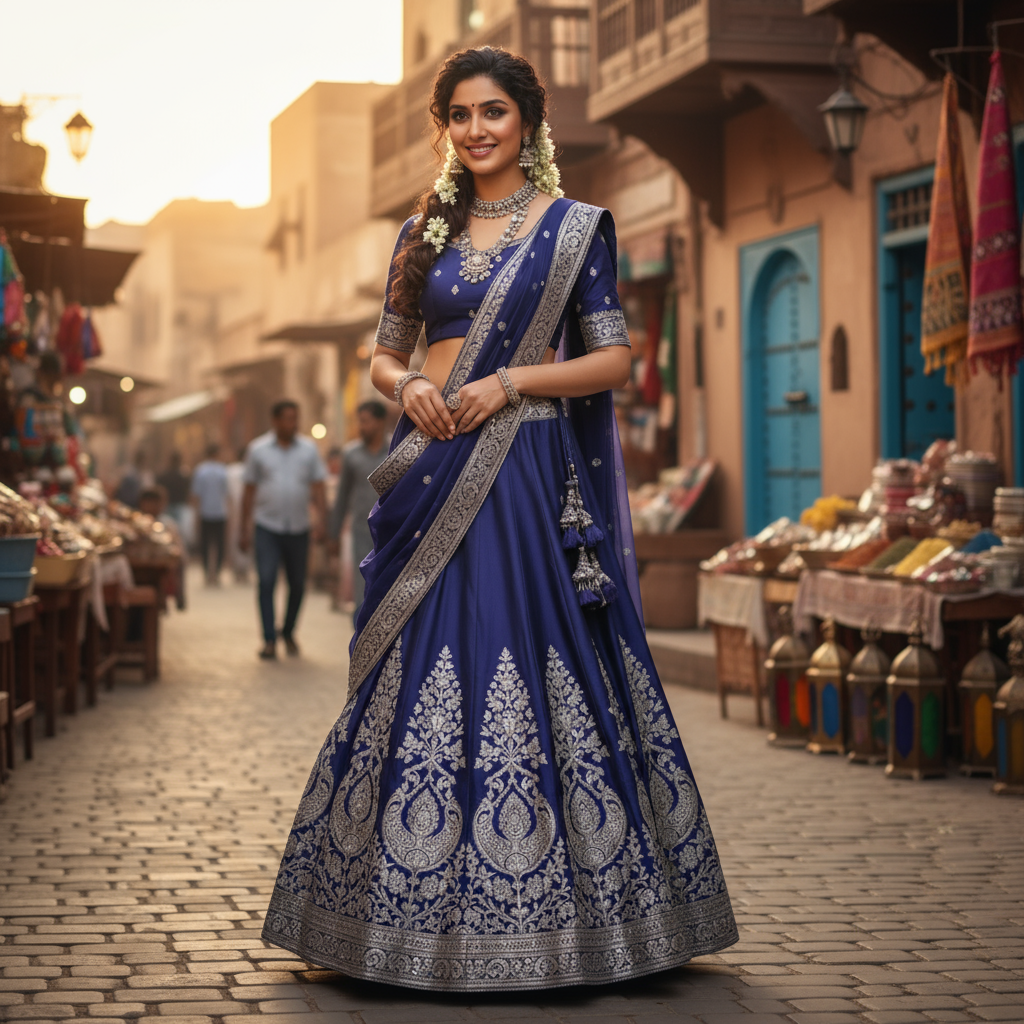
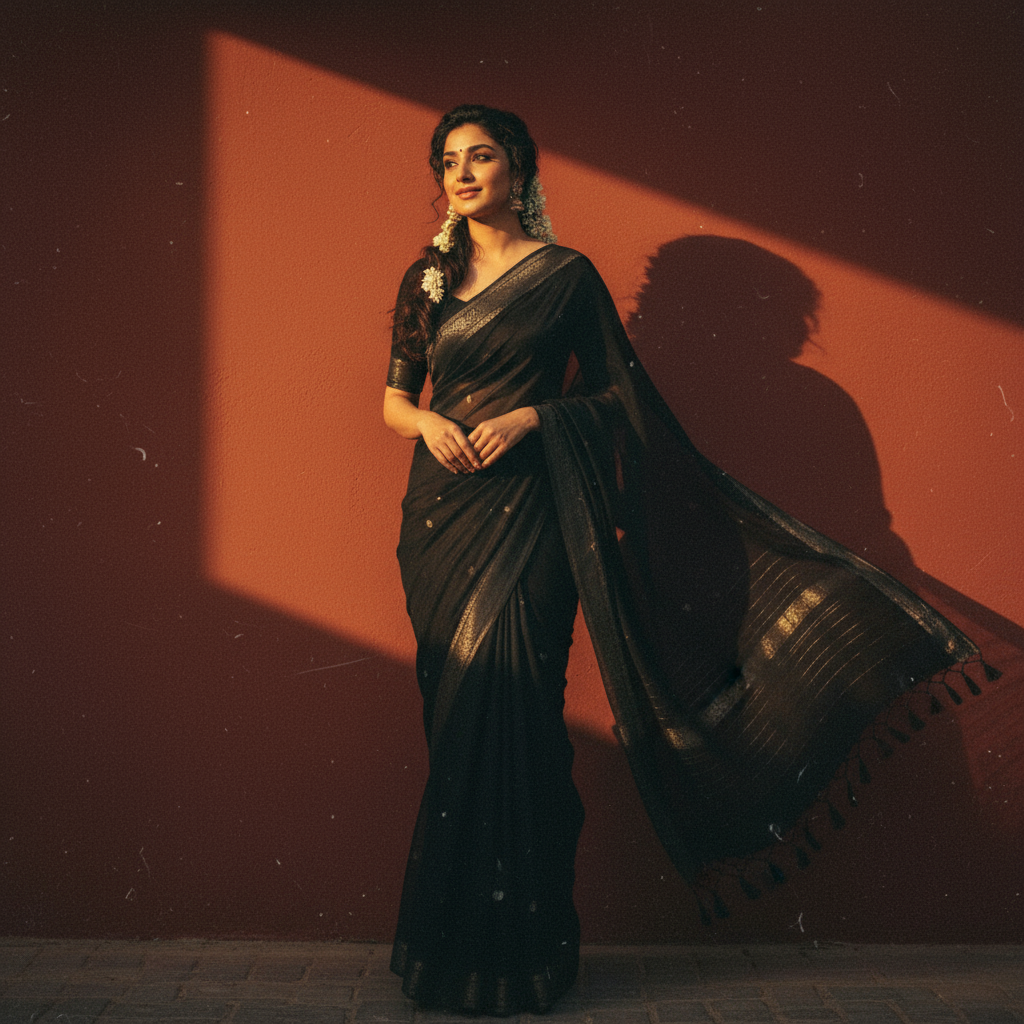
Generated in 6 seconds
Create Vintage Portraits in 4 Steps
Transform modern photos into timeless vintage masterpieces with our streamlined workflow.
Upload Your Photo
Upload a clear portrait photo. Best results with well-lit, front-facing shots with visible facial features.
Choose Vintage Style
Select from Film Noir, 90s Film, Sepia Tone, Polaroid, or Golden Hour aesthetics. Or use custom prompts for unique retro effects.
Download & Share
Get your vintage portrait in seconds. Export in multiple sizes perfect for social media, prints, or professional use.
Iterate & Perfect
Adjust prompts, try different vintage styles, or fine-tune grain intensity until you get the perfect retro look.
Pro Tip: Test both matte and glossy finishes to see which vintage style performs better for your content.
Quick Start Guide: Master Vintage Portraits
Follow these expert tips to create authentic retro-style portraits that capture timeless nostalgia
Prepare Your Source Photo
- Use sharp, well-lit portrait photos (minimum 1024px resolution)
- Face should be clearly visible with minimal obstructions
- Avoid heavy makeup or filters that might interfere with vintage effect
- Neutral backgrounds work best for authentic retro aesthetics
Choose Your Vintage Style
- Film Noir: High contrast black & white with dramatic shadows
- 90s Film: Warm tones with subtle grain and soft focus
- Sepia Tone: Classic brown-tinted timeless look
- Polaroid: Instant camera aesthetic with soft colors and borders
- Golden Hour: Warm sunset tones with soft ambient lighting
Optimize Your Prompt
- Specify grain intensity: 'subtle film grain' vs 'heavy vintage grain'
- Define color temperature: 'warm tones', 'cool tones', or 'neutral'
- Add lighting cues: 'studio lighting', 'natural light', 'soft shadows'
- Include 'keep identity intact' to preserve facial features
Export & Fine-tune
- Generate 3-5 variations to compare different interpretations
- Use 3:4 portrait ratio (1080x1440) for social media posts
- Choose 9:16 vertical (1080x1920) for Instagram Stories
- Adjust grain and tone intensity if first result needs refinement
Pro Tip: Reference Real Vintage Photos
Study authentic vintage photographs from your desired era (60s, 70s, 80s, 90s) to understand lighting, grain patterns, and color palettes. This helps you craft more authentic prompts that capture true retro aesthetics.
Export Sizes for Every Platform
Choose the perfect dimensions for your vintage portraits across social media, web, and print
Portrait Feed
Perfect for vintage portrait posts. Captures full retro aesthetic with authentic film grain.
Vertical Stories
Full-screen vertical format ideal for nostalgic story posts and reels with vintage vibes.
Square Classic
Timeless square format works everywhere. Centered vintage portraits with balanced composition.
Print Ready
High-resolution output for physical prints. Preserves film grain texture and retro details.
Resolution Recommendations
Vintage Portrait Styles & Prompt Templates
Explore 3 distinct Indian cultural vintage aesthetics with ready-to-use prompts. From Durga Puja devotion to Diwali glamour — find your perfect festive retro style.
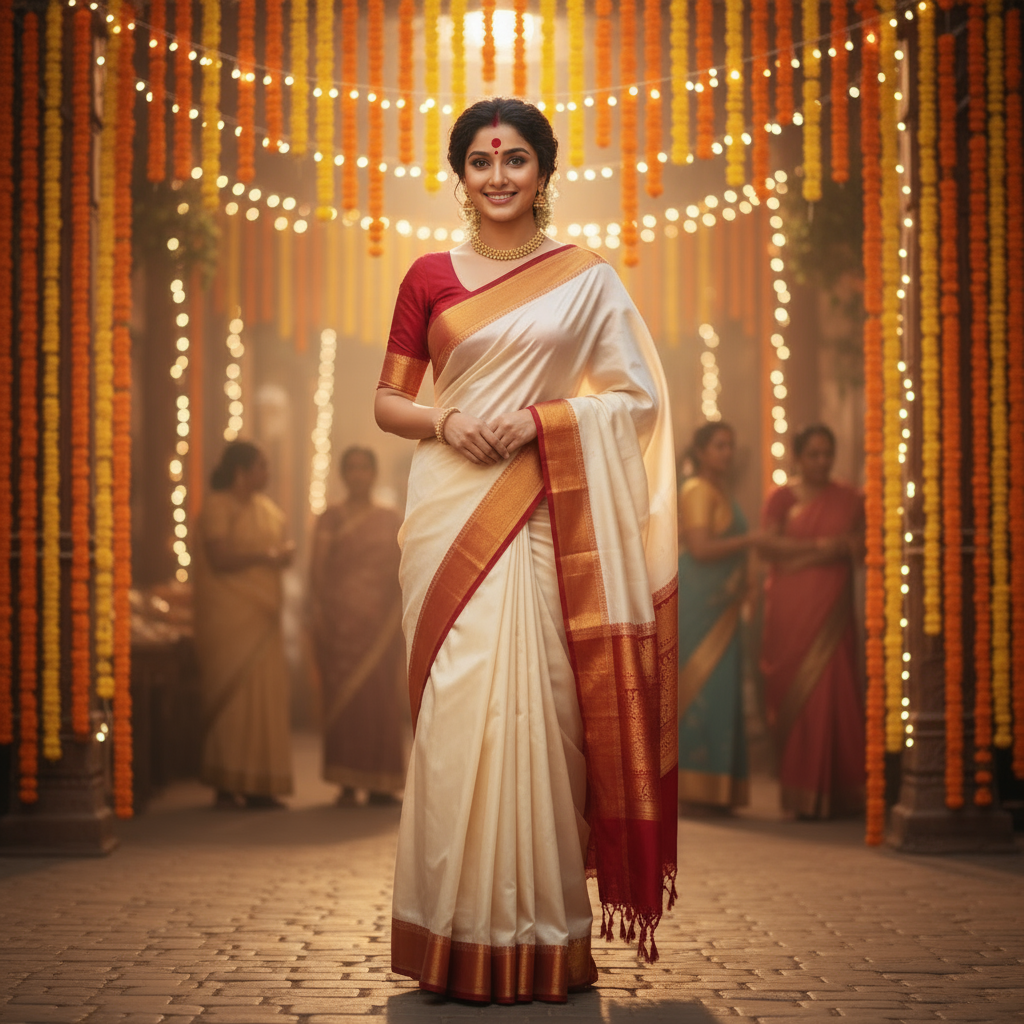
Durga Puja Festival Portrait
Cinematic Bengali festival portrait in classic 'lal-par sada' saree with warm pandal ambiance, capturing the devotional nostalgia of 90s Indian festival films shot on Kodak.
Turn this person into a cinematic Durga Puja portrait in a classic Bengali 'lal-par sada' saree – a white saree with a deep red border – and a matching red blouse. Keep her face, hairstyle and body proportions exactly the same as in the reference image. Add subtle traditional gold jewelry, a tiny red bindi on her forehead and a soft line of sindoor in the hair parting. She is standing in a softly blurred Durga Puja pandal with warm fairy lights and marigold garlands in the background. The atmosphere feels festive, devotional and nostalgic, like a 90s Indian festival film still shot on Kodak film. Lighting is warm and directional, with gentle film grain, rich reds and creams, and a slightly hazy glow, while the overall styling remains elegant and modest.
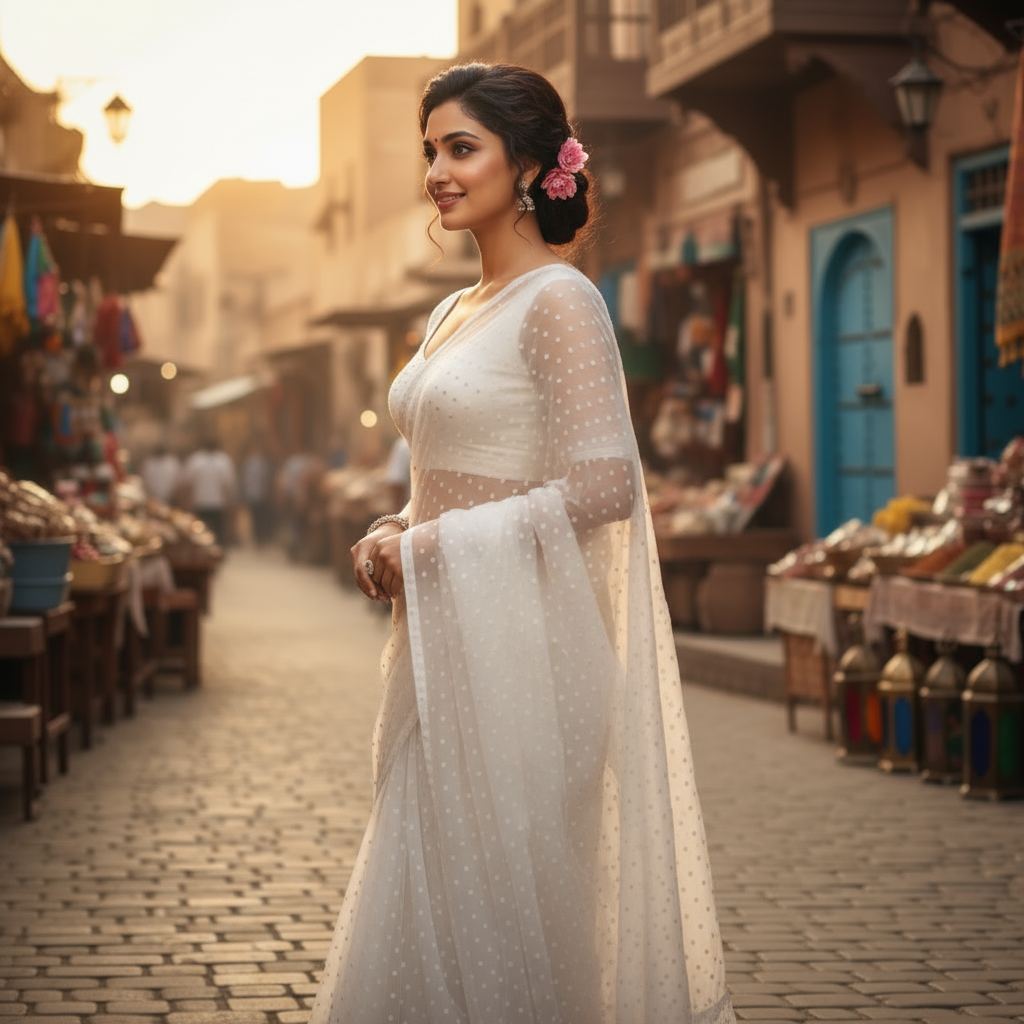
Ethereal White Saree Portrait
Vintage diva aesthetic with translucent white polka dot saree, soft warm lighting creating cinematic profile shadows with pure retro elegance.
Create a 4K HD realistic portrait of a woman in a translucent white polka dot saree with blouse for the reference image. Keep the facial features and smile the same. Small pink flower tucked behind her ear, soft, serene expression, warm light from the right casting a cinematic profile shadow. Pure vintage diva energy.
Diwali Night Glamour
Glamorous Festival of Lights portrait in marigold Banarasi silk with warm diyas and fairy lights, evoking late-90s Bollywood festive celebration mood.
Transform this person into a glamorous yet traditional Diwali-night portrait, wearing a deep marigold-yellow Banarasi silk saree with intricate golden zari work and a matching fitted blouse. Keep the same face, hairline, expression and overall body proportions as the reference image. Place her on an urban balcony or rooftop decorated with rows of diyas and warm fairy lights, with the city lights softly blurred in the background. Warm golden light from the lamps and distant fireworks wraps around her, creating a glowing rim light and soft cinematic shadows. Add tasteful traditional jewelry like small jhumka earrings and a few gold bangles, plus a subtle bindi. The color grading feels like a late-90s Bollywood Diwali song – rich golds and oranges, gentle film grain, high contrast and a dreamy festive mood, while keeping the styling elegant and non-revealing.
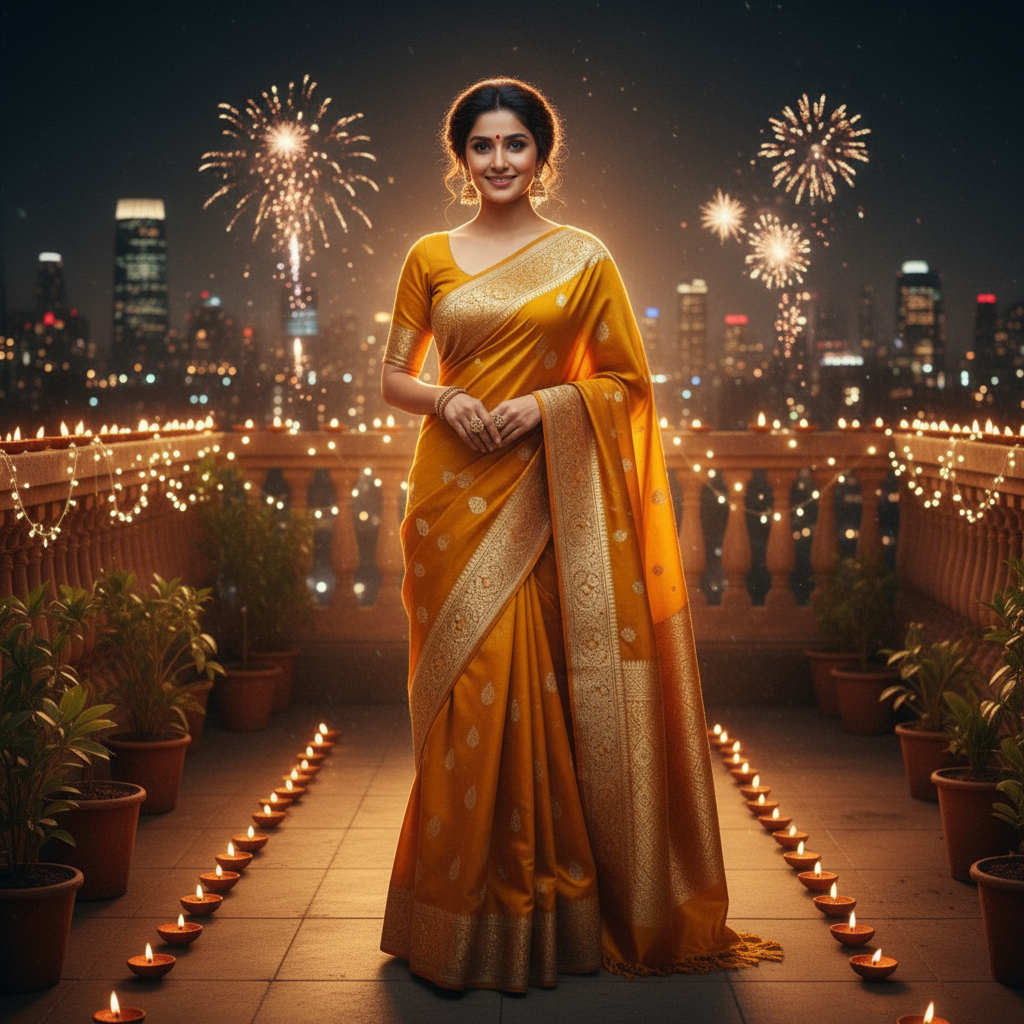
Ready to create your own vintage portrait masterpiece?
Prompt Template Library
Copy-paste ready prompts for vintage portraits. Start with beginner templates or explore advanced cinematic styles.
Simple Traditional Portrait
Quick Indian Festival Style
Transform into warm vintage Indian portrait, traditional clothing, soft film grain, nostalgic 90s Bollywood aesthetic, warm golden tones, gentle lighting, keep facial features intact, elegant and modest styling
modern, digital, oversaturated, harsh lighting, noise artifacts, revealing clothing, western style
Festival Warmth Portrait
Cinematic Indian Celebration
Create warm festival portrait with traditional Indian attire, soft warm lighting, gentle film grain, festive background with lights and decorations, nostalgic cinematic feel, elegant pose, keep facial features the same, rich warm colors
cold tones, modern digital look, harsh shadows, oversaturated neon, low quality, blurry face
Classic Saree Portrait
Timeless Traditional Elegance
Transform into classic saree portrait, vintage 90s Indian film aesthetic, warm retro tones, soft film grain, traditional jewelry, elegant pose, nostalgic Kodak film look, maintain facial features and expression, modest and graceful styling
modern photography, oversaturated, digital noise, harsh grain, distortion, blur, revealing clothing, contemporary fashion
How to use: Copy the positive prompt to define your desired vintage style, then copy the negative prompt to avoid common issues. For advanced templates, adjust specific details like clothing ("black party-wear saree") or era ("1940s") to match your vision.
Pro Tips for Authentic Vintage Portraits
Master the art of vintage photography with expert techniques and avoid common pitfalls
Source Photo Quality Matters
Use high-resolution photos (1024px+) with good lighting and clear facial features. Sharp modern photos transform best into authentic vintage aesthetics.
Master Color Temperature Control
Specify warm, cool, or neutral tones in your prompt. Warm tones create golden hour vintage, cool tones give film noir drama, neutral works for balanced sepia effects.
Balance Grain Intensity
Use 'subtle film grain' for elegant portraits, 'moderate grain' for authentic 90s film, or 'heavy grain' for experimental art. Too much grain destroys facial detail.
Layer Multiple Effects Carefully
Combine vintage elements strategically: 'sepia tones + soft vignette + gentle grain' works well. Avoid combining too many effects that conflict with each other.
Study Era-Specific Aesthetics
60s: high saturation, sharp contrast. 70s: warm tones, soft focus. 80s: vibrant colors, soft edges. 90s: warm tones, moderate grain. Research your target era.
Preserve Identity with Keywords
Always include 'keep identity intact', 'maintain facial features', or 'preserve face structure' in your prompt to prevent AI from altering the subject's appearance.
Common Mistakes to Avoid
Learn from these frequent errors that ruin vintage aesthetics
Over-processing
Impact: Destroys photo quality and authenticity
Solution
Start with subtle effects. You can always add more grain or contrast, but can't remove it after generation.
Ignoring Original Lighting
Impact: Creates unrealistic vintage effect
Solution
Reference the original photo's lighting in your prompt: 'studio lighting', 'natural outdoor light', 'indoor evening lighting'.
Mixing Era Styles
Impact: Produces confused, inauthentic results
Solution
Stick to one decade's aesthetic per image. Don't combine 1940s noir with 1990s colors.
Generic Prompts
Impact: Inconsistent, unpredictable results
Solution
Be specific: Instead of 'vintage', use '1990s Bollywood film aesthetic with warm tones and soft grain'.
Advanced Technique: Color Grading Like a Pro
Step 1: Generate base vintage portrait with your chosen era aesthetic
Step 2: Create 3 variations with different color temperatures (warm/neutral/cool)
Step 3: Adjust grain intensity separately: subtle, moderate, heavy
Step 4: Compare all variants and select the most authentic vintage aesthetic
Pro Insight: Professional vintage photographers often shoot the same subject with multiple film stocks (Kodak Portra = warm, Fuji Pro 400H = cool, Ilford = B&W). Replicate this by generating multiple color-graded versions.
Frequently Asked Questions
Everything you need to know about creating vintage portraits with AI
For authentic film grain, specify the grain intensity in your prompt ('subtle film grain' for elegant portraits, 'moderate grain' for 90s film aesthetic). Use high-resolution source photos (1024px+) and mention the specific era ('1990s film', '1970s Polaroid'). All vintage portraits generated with Nano Banana AI preserve natural grain texture while maintaining facial clarity.
Yes! Use era-specific prompts like '1990s Bollywood film aesthetic, warm cinematic tones, soft film grain' or '1940s Hollywood film noir, high contrast black and white, dramatic shadows'. The AI understands cultural and temporal photography styles. Include details like clothing ('black saree', 'evening gown') and lighting ('studio lighting', 'golden hour') for authentic period-accurate results.
This happens when grain is too heavy or the prompt lacks identity preservation keywords. Always include 'keep identity intact', 'maintain facial features', or 'preserve face structure' in your prompt. Start with 'subtle' or 'soft' grain instead of 'heavy'. Use clear, well-lit source photos where facial features are distinctly visible.
Sepia tone changes colors to warm brown hues (1900s-1920s style). Film grain adds texture that mimics analog film photography (no color change). Vintage filter combines multiple effects: faded colors, grain, vignetting, and era-specific color grading. For best results, specify which elements you want: 'sepia tone with subtle grain' or '90s vintage filter with warm tones and soft grain'.
Yes! All vintage portraits created with Nano Banana AI can be used commercially for your photography portfolio, client galleries, social media branding, marketing materials, and print sales. You retain full rights to your outputs. If using recognizable people in commercial contexts, ensure you have their consent and model release forms.
Still have questions? We're here to help!
Related AI Tools
Discover more powerful AI tools to transform your images
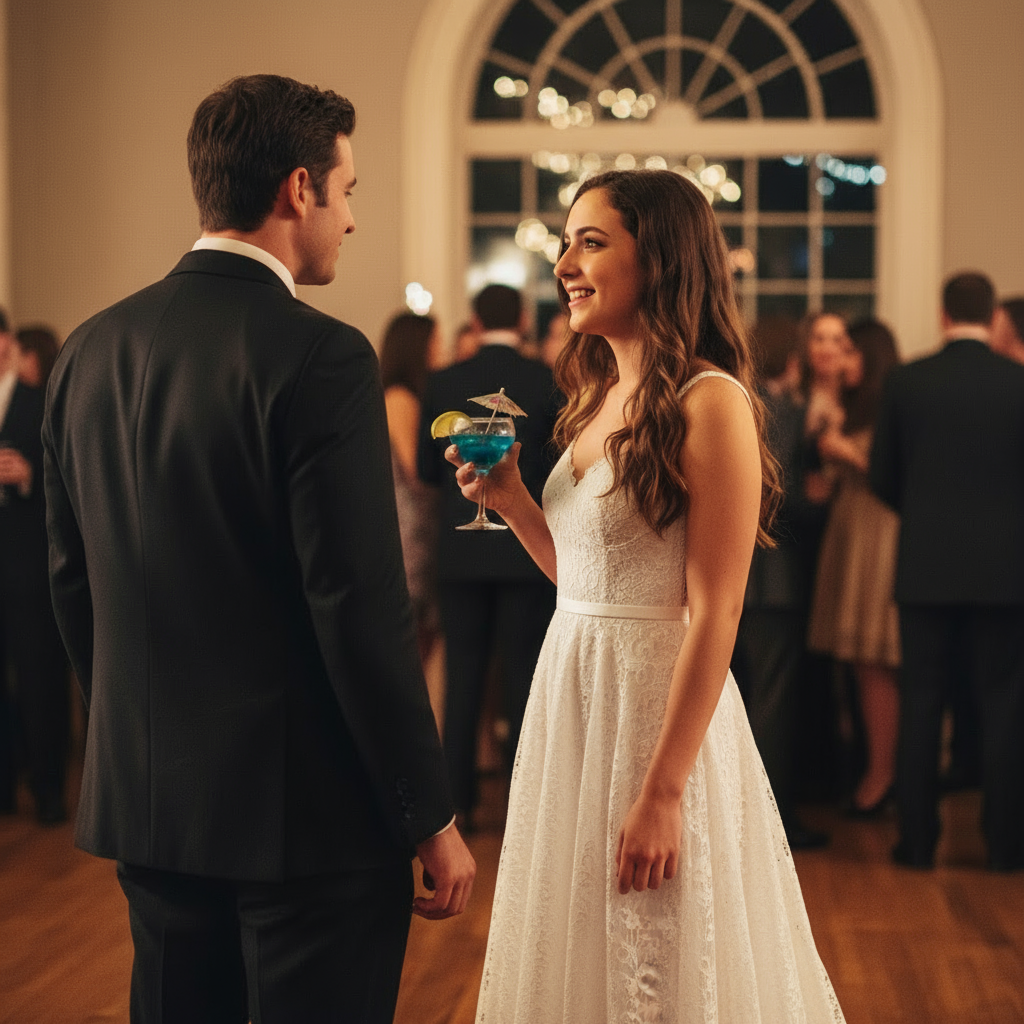
AI Virtual Try-On
See how any outfit looks on you with realistic AI clothing fitting and draping.
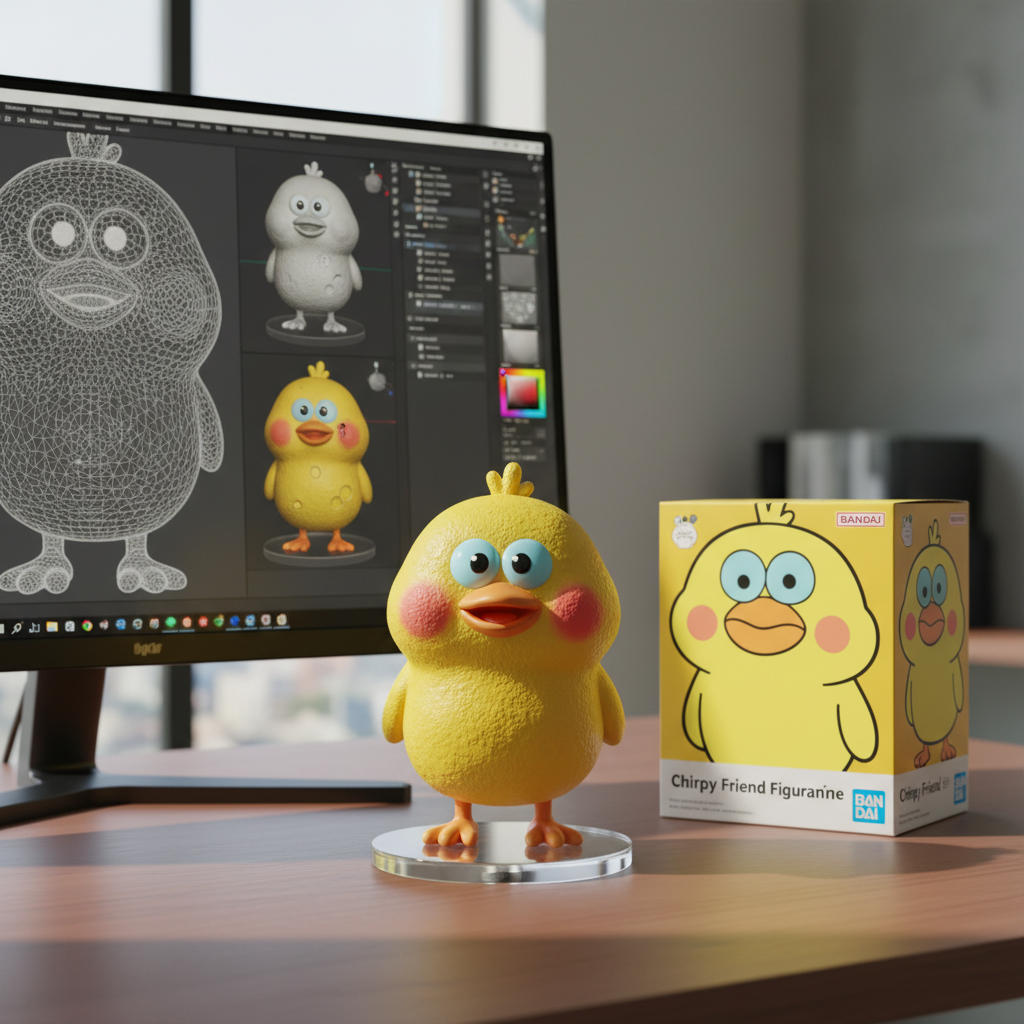
3D Figurine Portrait
Transform your selfie into viral 3D toy-style art with Pixar-like aesthetics.
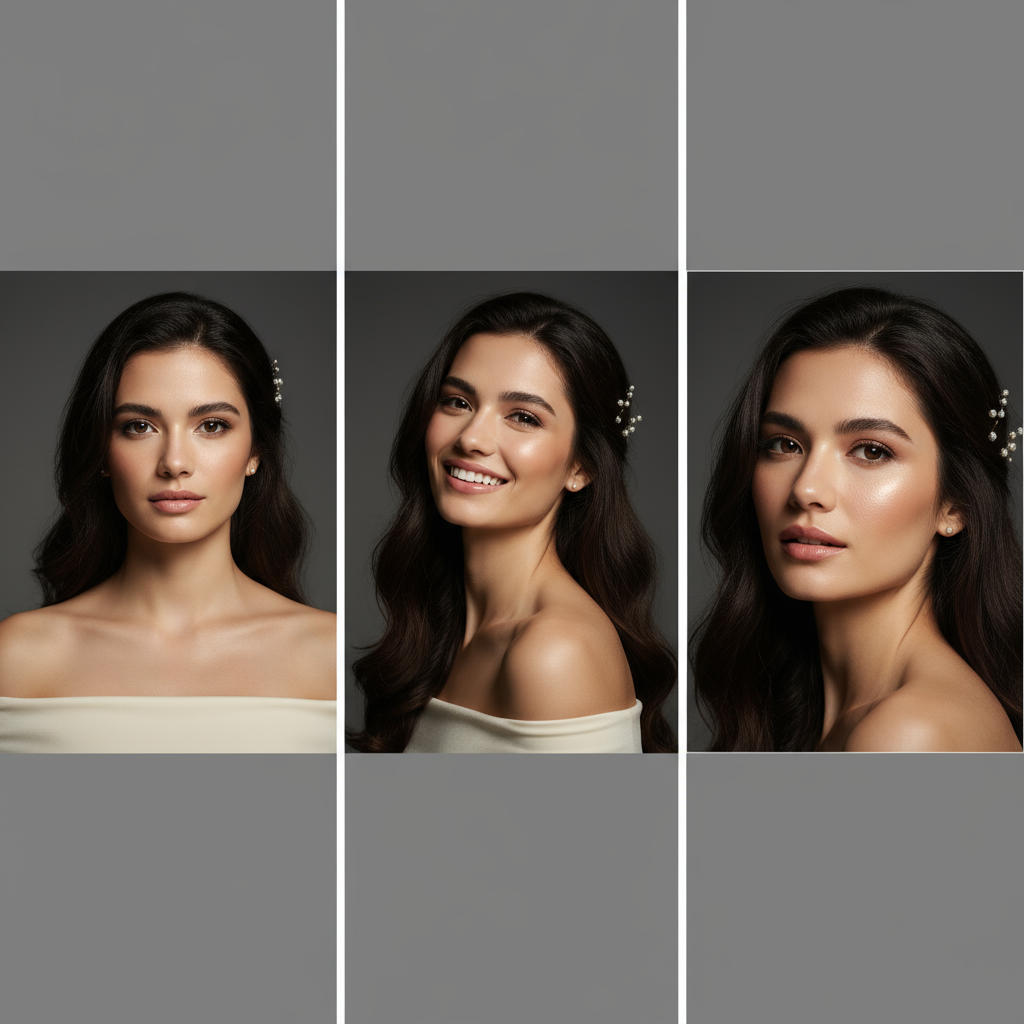
Professional Headshot
Generate multiple professional headshots from one photo for LinkedIn profiles.
More Trending AI Prompts
Copy these proven prompts to try other viral AI styles. Each one is optimized for great results.
Create a 3D action figure of me in transparent blister packaging. Include miniature accessories like coffee cup, laptop, phone. Retro toy box style, "Limited Edition" aesthetic, studio lighting, collectible quality, no text on figure.
Transform into Studio Ghibli anime style. Soft watercolor aesthetic, warm lighting, whimsical atmosphere, hand-painted look, lush nature background, dreamlike nostalgic mood, Miyazaki-inspired, 4K detail.
Transform into a 1990s high school yearbook photo. Classic blue-gray studio backdrop, soft diffused lighting, vintage film grain, 90s hairstyle, warm nostalgic tones, authentic school photo aesthetic.
Transform this pet into a realistic human person. Keep the same pose and expression. Match eye color and fur pattern to hair color/style. Preserve the personality visible in the photo, photorealistic style.
Related Nano Banana guides
Browse all Nano Banana pagesLearn More About Nano Banana AI
Explore our complete platform features, get inspired by examples, or find answers to common questions
Start Creating Stunning
Vintage Portraits Today
Transform your photos into timeless retro masterpieces with authentic film grain and nostalgic aesthetics. Create account to start generating vintage portraits with AI.
Powered by Google Gemini 2.5 Flash — Professional AI image generation